

35 Free Wine Bottle Label Templates Perfect for Any Occasion

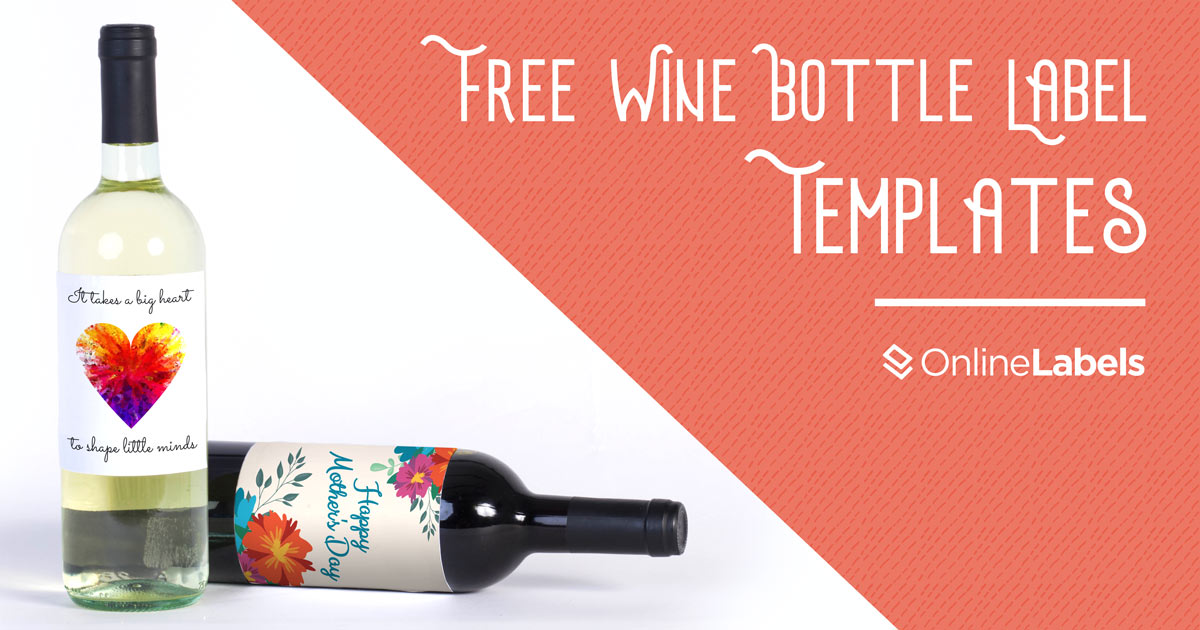
Wine is the pour-fect addition to almost any celebration, and you can make it all the more special with these free wine bottle label templates! These wine label printables are super easy to use and will personalize any bottle of wine. We compiled our favorites in this article for a variety of celebrations including weddings, Valentine’s Day, Christmas, and many more!
Each template can be totally customized using our free design software, Maestro Label Designer. You can change the text, adjust the artwork, change the label shape and size, and more! See a design you want for your birthday celebration but the template was meant for a wedding? No worries! Easily change the text to fit your occasion.
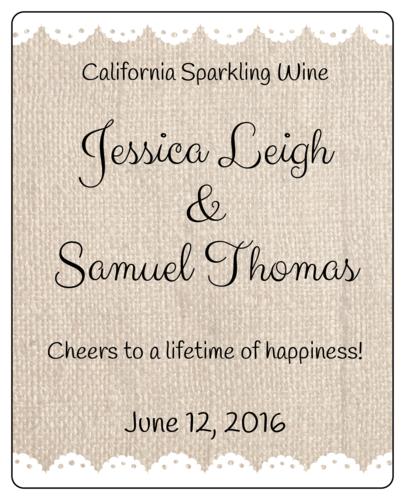
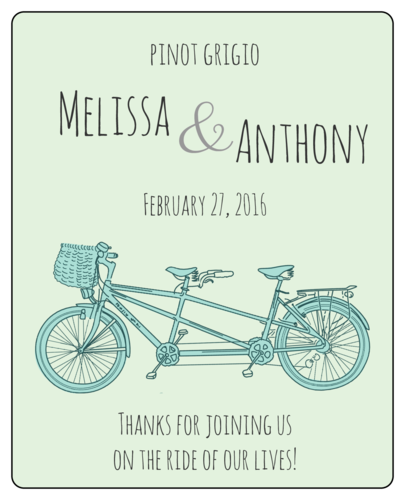
Wedding Wine Label Templates
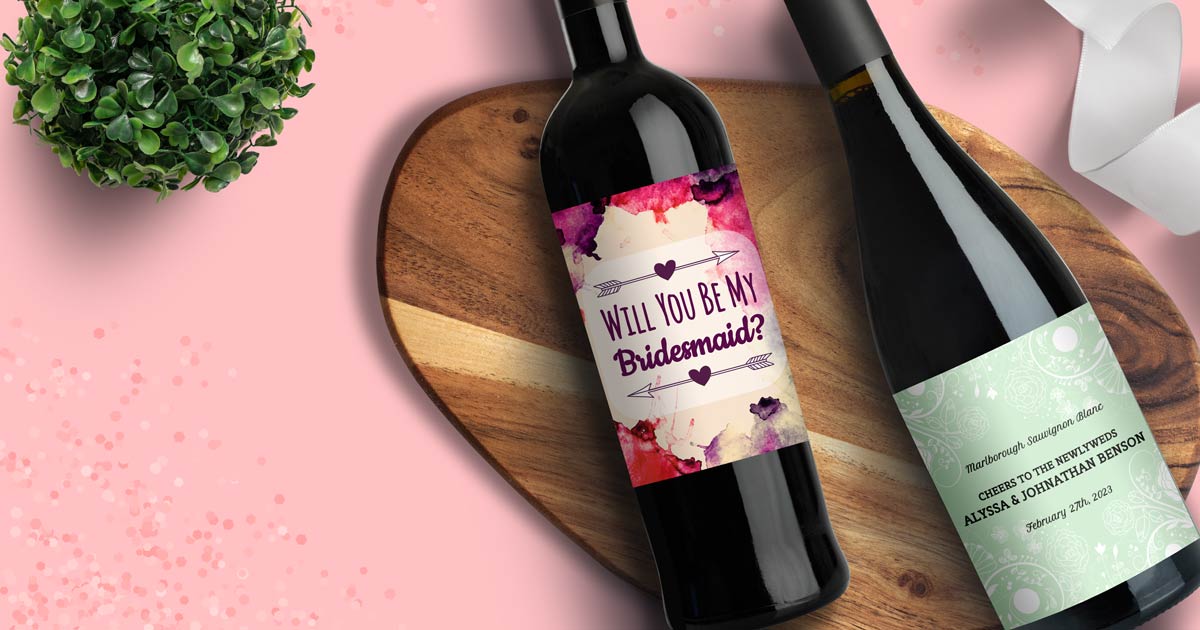
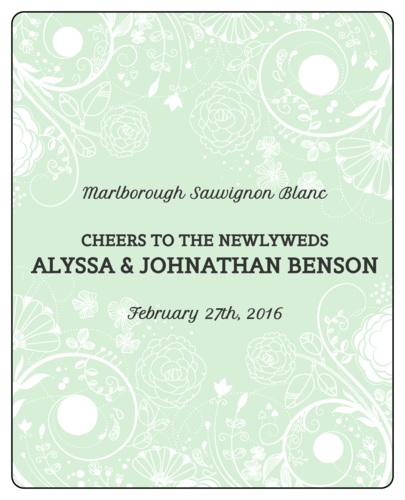
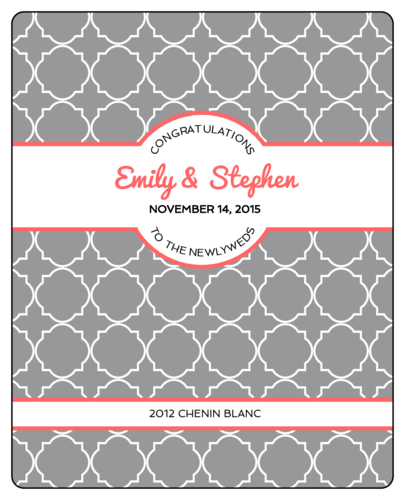
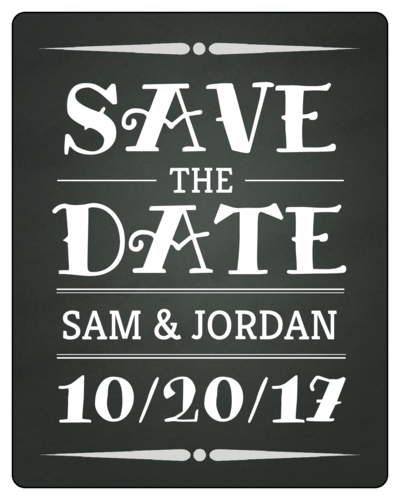
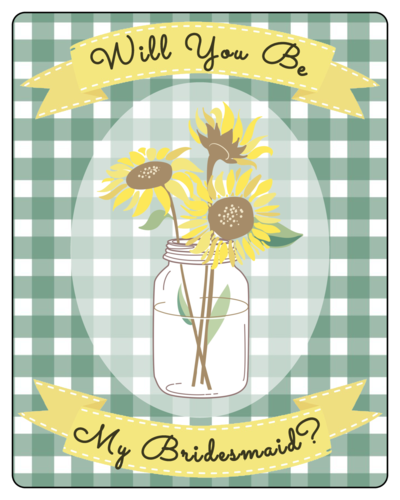
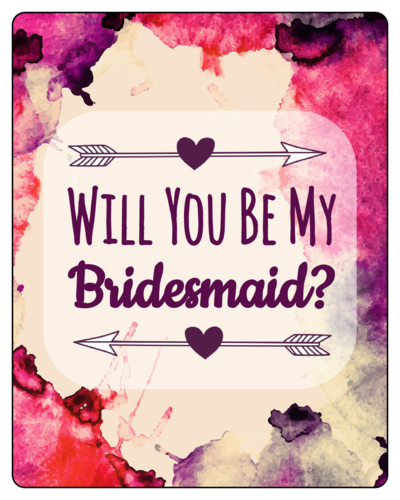
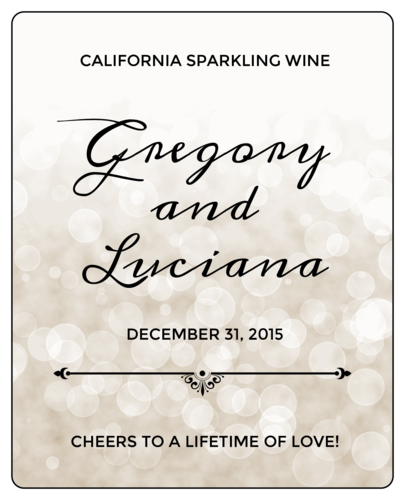
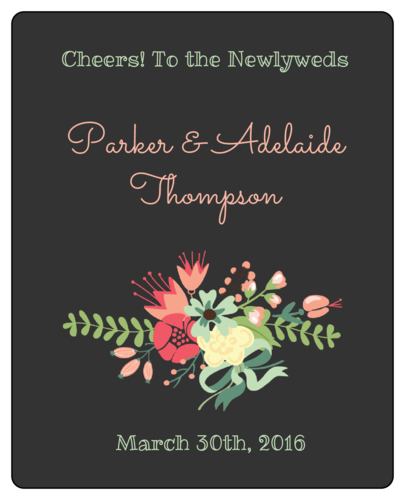
Have personalized wine bottles on tables for guests, propose to your bridal party, hand wine bottles out as wedding favors, and more!
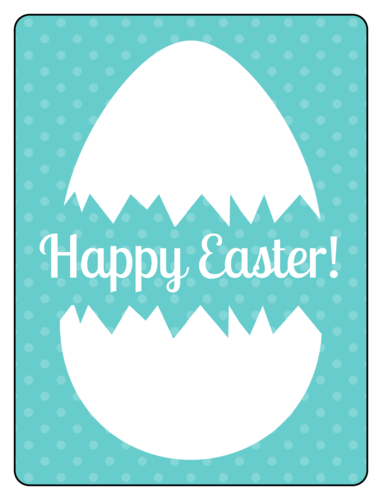
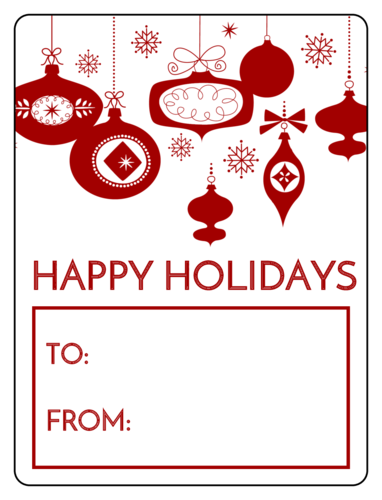
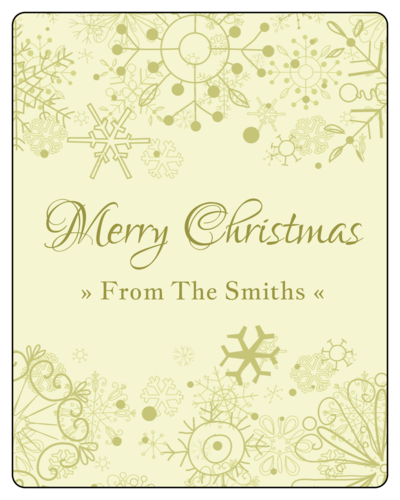
Holiday Wine Label Templates
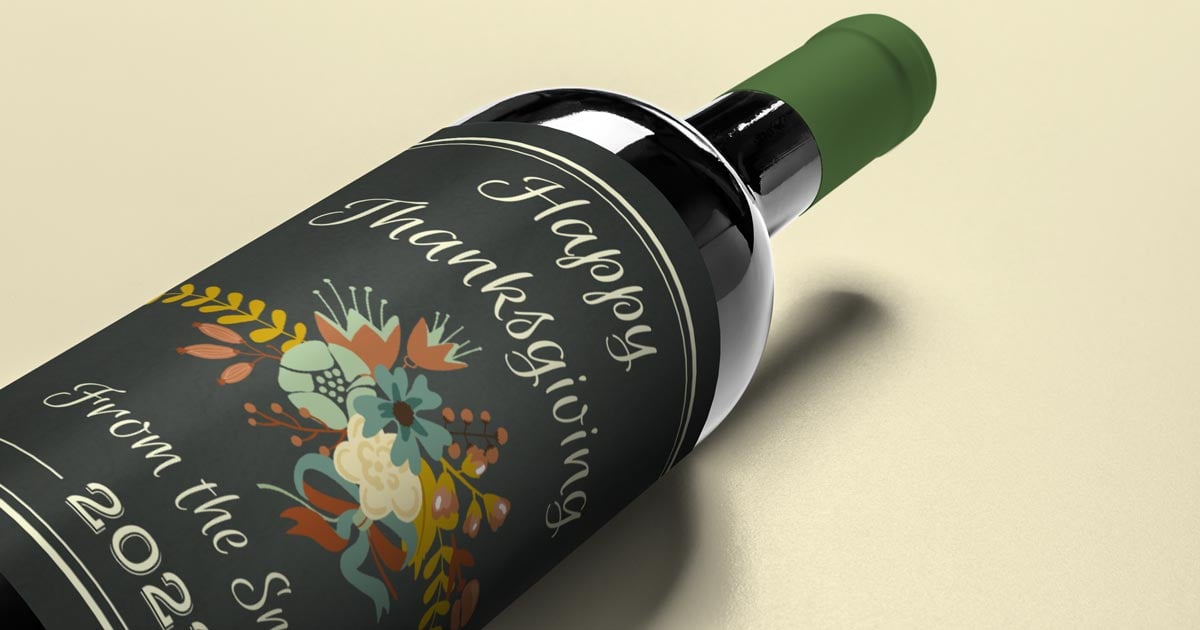
Step any holiday party up a notch by adding customized labels to wine bottles! It’s an easy detail to wow your guests.
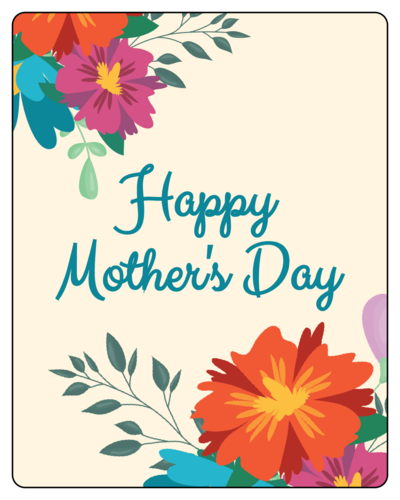

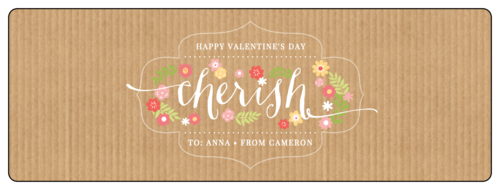
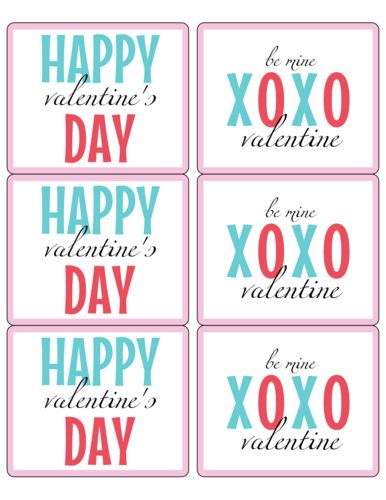
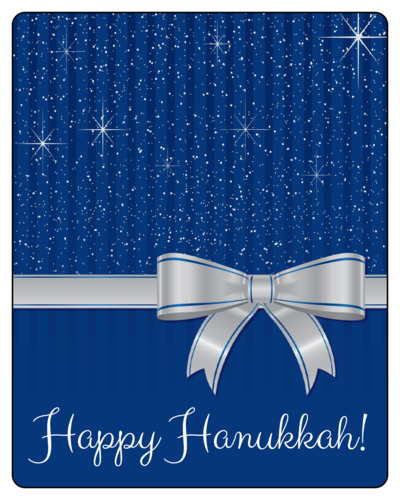
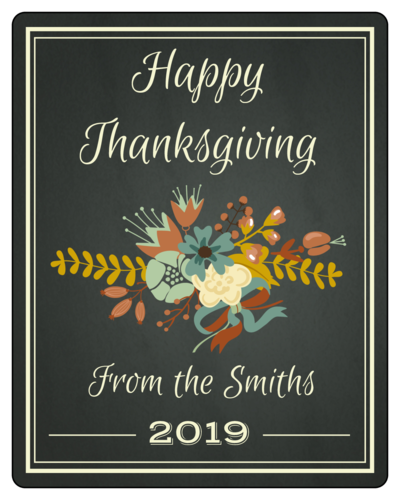
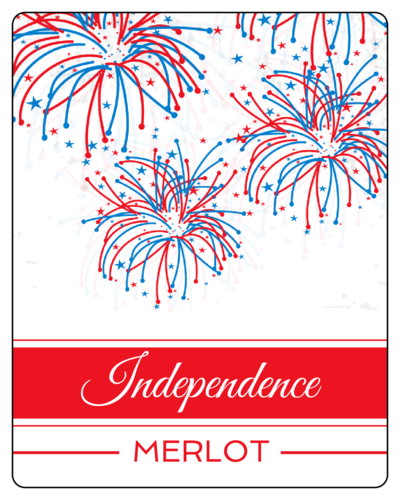
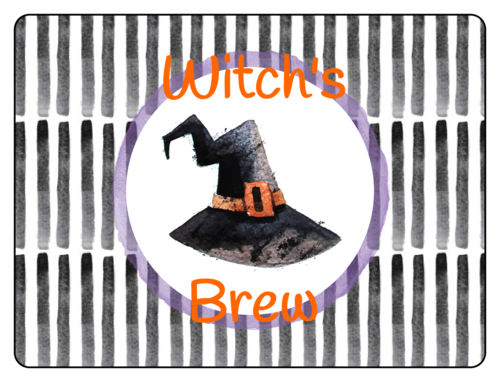
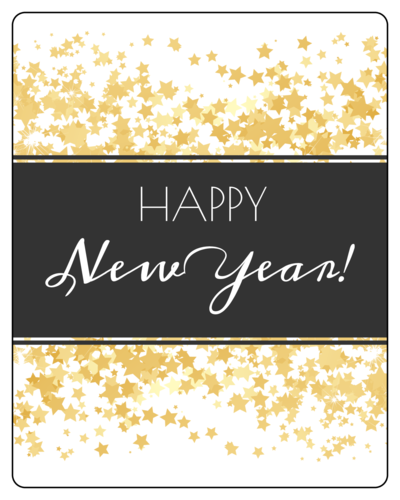

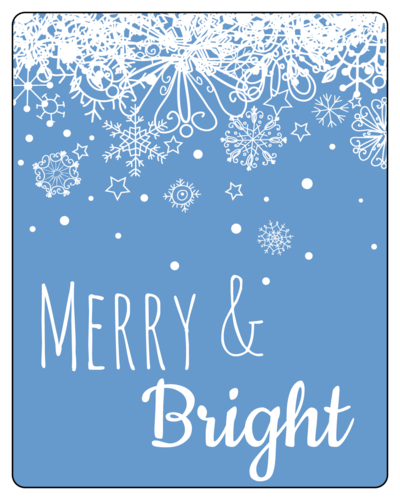
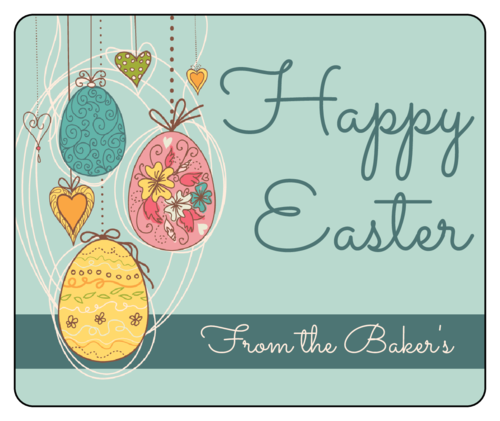
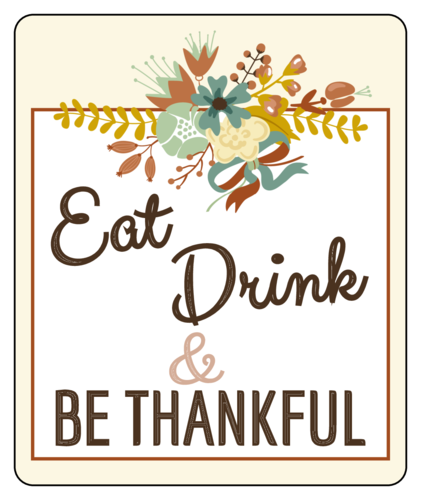
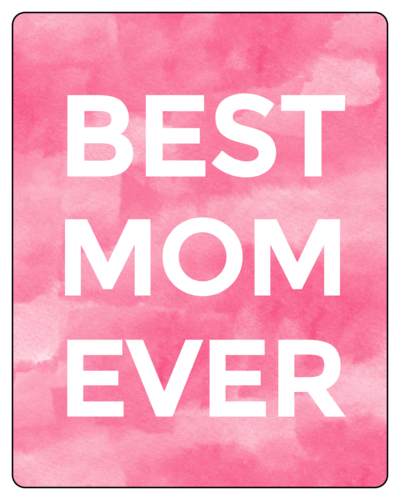
Wine Label Templates for Other Occasions
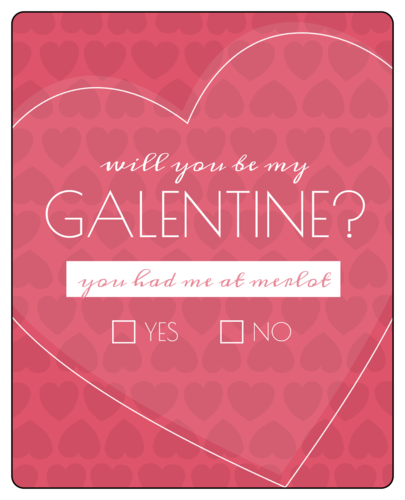
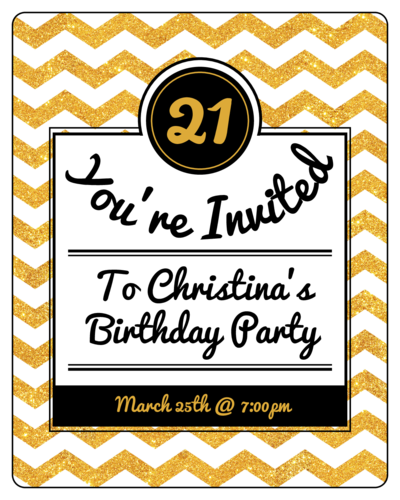
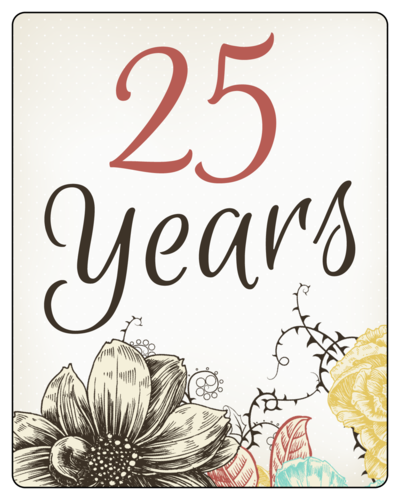
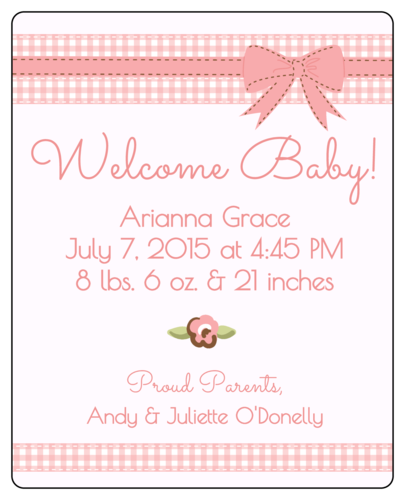
The wine doesn’t stop at weddings and holidays. Get creative with wine bottle labels for any occasion. Here are some that we love! Use as invitations, gifts, party favors— the possibilities are endless!
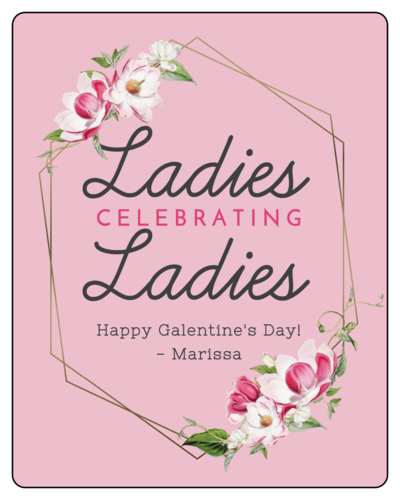




We hope you find these wine label templates to be a wine-derful addition to your next celebration. Print these templates on one of our weatherproof materials for a durable, waterproof label that will last!
Want to check out more label template options for your wine bottles? Check out our full library of pre-designed wine bottle label templates.
Frequently Asked Questions
1. How can I customize these free templates to match my event or brand?
Update the text, colors, and fonts to align with your theme or branding. Add logos, monograms, or decorative elements while maintaining a balanced and easy-to-read layout.
2. What tools or software should I use to edit my wine label before printing?
Utilize accessible design tools, such as Maestro Label Designer, based on your comfort level. Make sure the software supports the label size and format.
3. What kind of printer and label paper will give the best results for wine bottles?
An inkjet or laser printer works well when paired with label paper designed for your printer type. For chilled bottles, choose water-resistant or weatherproof label materials to prevent smudging.
4. How do I select the correct label size and shape for various bottles?
Measure the flat surface area of your bottle with our free printable ruler and select a label that fits without wrinkling. Standard wine bottles typically work best with rectangular or oval labels; however, unique shapes can add a personal touch.
5. What’s the best way to position and apply a label on a wine bottle?
Remove any existing labels, clean the bottle thoroughly, and dry it completely. Apply the new label from the center and out, smoothing as you go to avoid air bubbles or crooked placement.
