
Envelope Labels

Here's what people are saying
DIY Envelope Label Maker
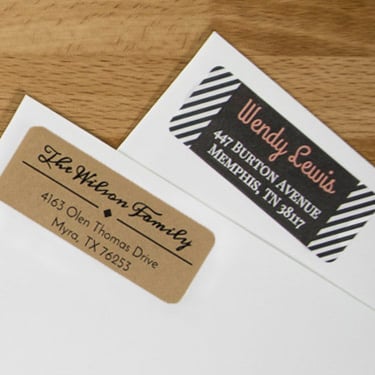
Mail with personalized address and envelope labels is more likely to get opened. Follow these steps to create your own custom labels with fun designs or your company logo:
- Create a data list with the names and address you want to include on your envelope labels.
- Launch Maestro Label Designer and open a blank or pre-designed template for your label size.
- Hover over "Tools" in the blue navigation bar and select "Mail Merge."
- Upload your data list and choose which fields you want to display.
- Design your custom envelope labels. Add photos, text, and clipart to make something truly unique.
- Print and apply your labels.
Learn how to create a data list or discover more mail merge tips.
Frequently Asked Questions
-
Do you recommended any particular sizes for envelope labels?
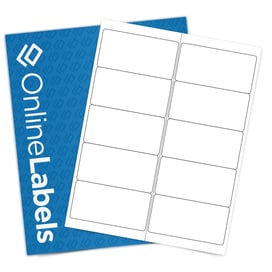
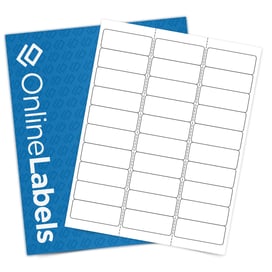
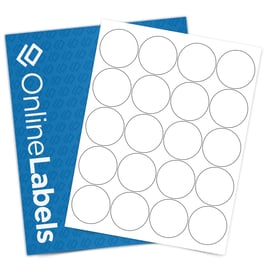
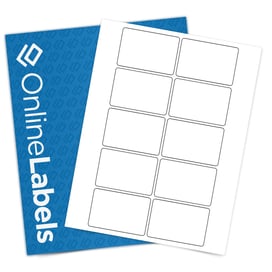
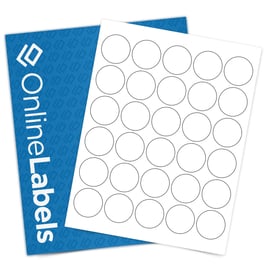
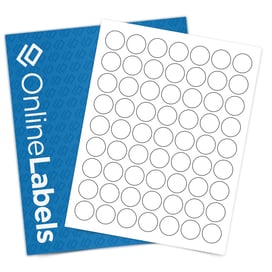
Envelope labels come in all shapes and sizes. In addition to standard address and return address labels, envelope seals are popular for branding and protecting the contents of your letters. Popular sizes for envelope seals are 1.5" circles (OL2088) and 1.5" perforated circles (OL158).
-
Do you offer perforated envelope seals?
We do! Our 1.5" perforated circle labels are perfect to creating a tamper-evident envelope seal.
-
What materials are most popular for envelope labels and seals?
Any standard label material works great as envelope labels. For a design that is sure to pop off of the envelope, consider a color material like a pastel or brown kraft. For a more durable option, check out our collection of weatherproof label materials.
-
Can I get my envelope label designs custom printed?
Absolutely! After you choose a size, you can select the Custom Labels tab to get started. If you have a label design ready, you can submit it to us and have it printed for you. You can choose between printed sheets and rolls. These professionally printed labels ensure long-lasting prints and application. Ideal for business and personal use!