

How to Create PayPal® Shipping Labels

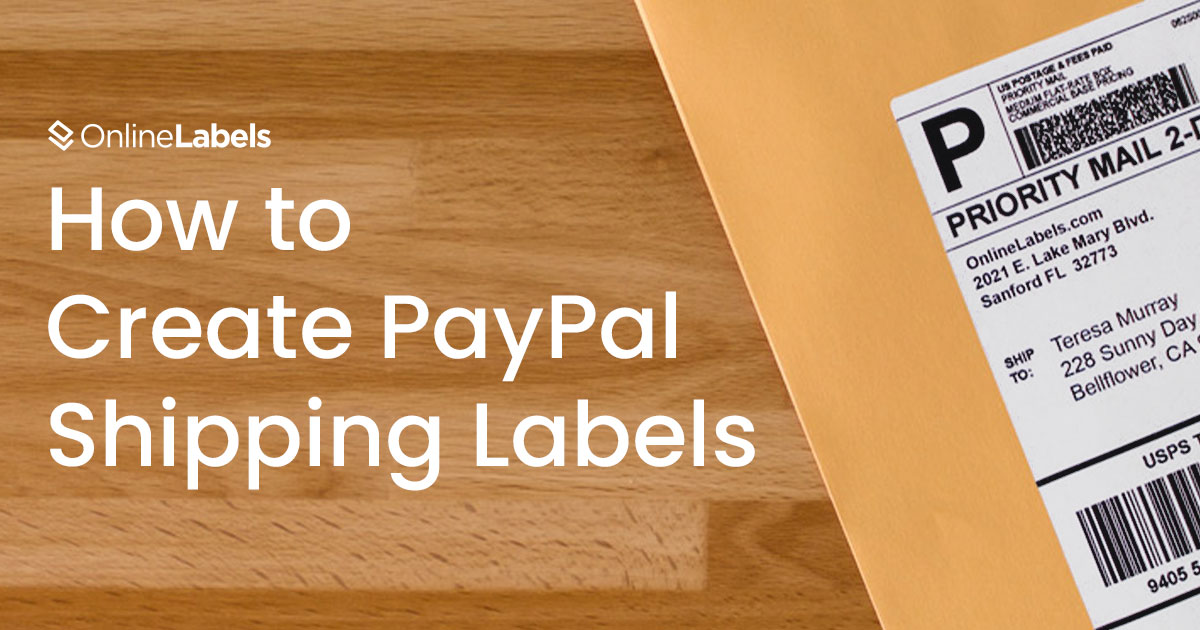
If you're selling on eBay® or on your own website, chances are you're using PayPal®. If that's the case, this quick-reference guide should come in handy!
Keep reading for tips on printing PayPal shipping labels from home, turning off receipt printing, and more.
You'll also find some PayPal shipping FAQs to help you get orders out the door and run your business.
Printing from PayPal®
Shipping your products from home using PayPal? Here's how to get started.
- Login to PayPal
- Under Activity, find the sale you wish to print.
- Select Ship.
- Choose your shipping carrier.
- Enter and verify the shipping information.
- Click Confirm and Pay.
- Click Print label.
- Load your label sheets into the printer paper tray.
Once you have your printed labels, peel and stick them to your package. Follow carrier rules for pickup and delivery, then you're done.
If your shipping label doesn't open in a new window, disable your pop-up blocker and try again.
How to Turn Off Receipt Printing in PayPal
When printing from PayPal, you may not always need the receipt portion of your shipping label. To save ink and labels, learn how to turn off this feature.
- Login to Paypal.
- Click Profile at the top of the page.
- Find Shipping preferences.
- Select Edit Printer Settings.
- Uncheck the Print Receipt box and save.
Printing from eBay
If you'd like to bypass PayPal and print directly from eBay, here's how:
- In the My eBay section, go to Sold.
- Beside the item you'd like to ship, click Print Shipping Label.
- Confirm the shipping information.
- Select a mailing date from the Ship on dropdown menu.
- Choose your shipping carrier (USPS, UPS, or FedEx).
- Click Purchase and print label.
- Load your label sheets into your printer and print.
- Peel and stick to your package.
- Follow carrier rules for pickup and delivery.
PayPal Shipping FAQs
Can you print shipping labels from PayPal?
Yes! PayPal makes it easy for small businesses to collect payment and ship product.
To print a shipping label for an existing order, log into your PayPal account and click into "Activity." Find the sale you're fulfilling and select "Ship." Once you enter and verify the shipping information, click "Print." Your label should load in a new window for printing.
Be sure to use specially sized PayPal shipping labels for professional-looking packages.
What labels work with PayPal shipping?
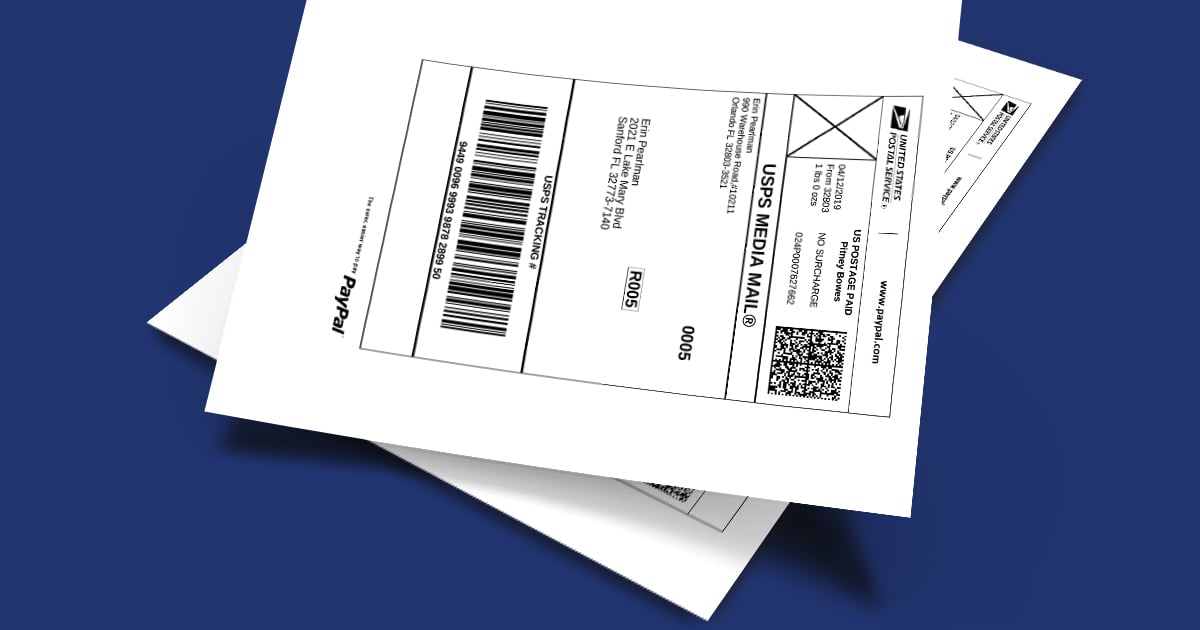
If you're printing the shipping labels directly from PayPal, the best label configuration for your needs is OL369.
If you're printing directly from eBay, the best label configuration for your needs is OL131.
If you regularly switch between the two, OL131 is slightly larger and will work for both. OL2124 is another compatible option for use on both platforms.
Read our full analysis to find the right shipping label for any shipment.
Is shipping through PayPal cheaper than USPS?
PayPal offers users a commercial shipping rate, so you get a shipping discount when you ship through PayPal. Knowing this, yes, it's cheaper to ship through PayPal than using your personal USPS account.
Does PayPal charge for shipping?
There are no added fees when it comes to using PayPal to ship your handmade goods. The service is free for customers, you just have to cover the hard costs associated with shipping your product (postage, boxes, labels, etc).
Does PayPal shipping work for international customers?
Yes! You can also print packing slips and customs forms when applicable, all from within PayPal.
Can you send a prepaid shipping label through PayPal?
If you want to send a prepaid shipping label to a customer or use PayPal to ship personal items to family and friends, PayPal ShipNow is your answer. You can access PayPal ShipNow (also known as PayPal PayNow) through the following link:
https://www.paypal.com/shiplabel/create/
You can use the above PayPal shipping link to mail almost anything. The internet calls it the "secret PayPal shipping link" – consider yourself clued in on the secret!
What are the benefits of PayPal for small businesses?
If you're already selling online, here are some of the perks you're already experiencing. But if you're using a PayPal consumer account, here's everything you're missing out on.
- Company name on PayPal account
- Payment options for customers without PayPal accounts
- Access to customers in more than 200 countries and regions
- Subscription payment options & payment plans
- Multiple logins for employees and partners
- Financing options
- Point-of-sale options for in-person customers
You've got enough to worry about running your online business – don't let the little things like shipping labels clog up your day. Using our shipping label sheets will save you the time of cutting out the label from printer paper and taping it to the box, not to mention on supplies.
Coupled with our quick reference guide, when it's time to print your eBay or PayPal shipping labels, you can depend on OnlineLabels.com to help.
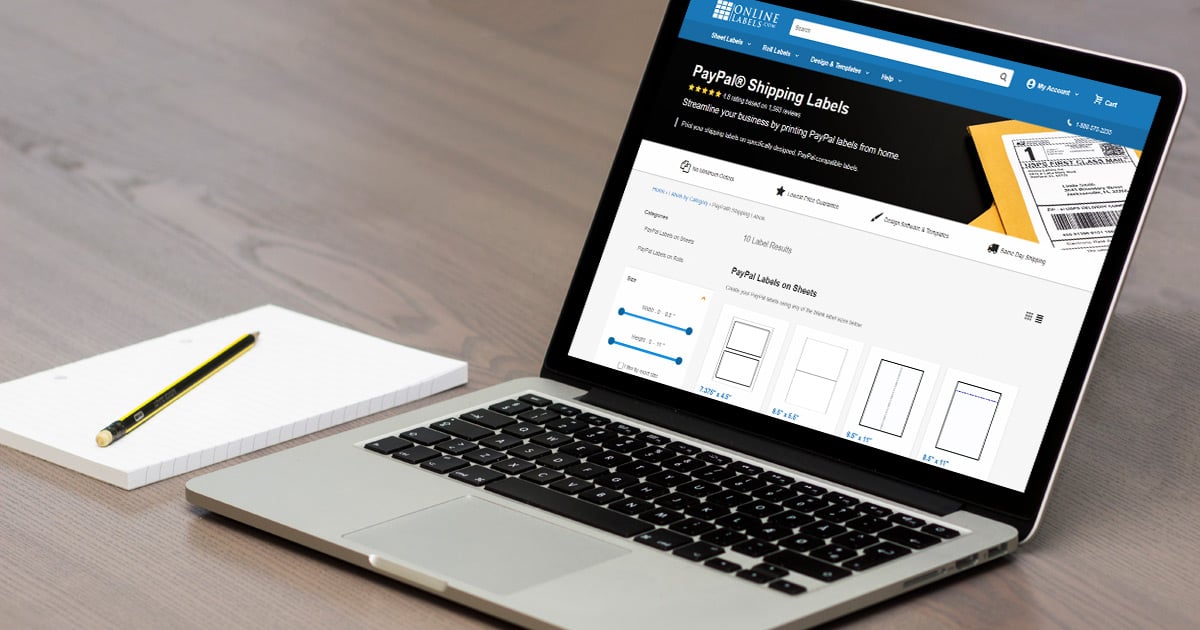
Ready to find the right size shipping labels for your needs? Shop our selection of PayPal Shipping Labels and get started!
Or, are you looking for thermal labels? Our PayPal Shipping Labels page also has compatible blank label sizes on both the roll label and fanfold label formats.
