

How to Create File Folder Labels in 5 Easy Steps


There are certain papers you just can't throw away – from tax documents at the office to medical paperwork at home. Why is it that keeping electronic documents organized is so much easier than their physical counterparts? It's time to even the playing field with personalized, fun, and helpful file folder labels.
When you want more than office supply store offerings, you can count on OnlineLabels.com. Below are step-by-step instructions on how to find the right labels for your hanging tab file folders and a list of tips and tricks to help keep your cabinet or shelf clean, presentable, and easy to use.
Step 1: Measure your folder
The tab cutout on standard Manilla file folders measures 4" x 1.25". Because that space is not entirely visible once the files are stacked/hanging, the most popular file folder label is our 3.5" x 0.75" configuration (OL850). Below are several other sizes and configurations popular for use on file folders:
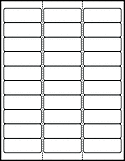
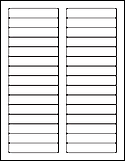
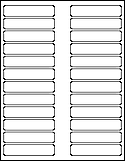
Shop all file folder labels.
Step 2: Choose your material
Pick from the following color categories to find the right material for your project.

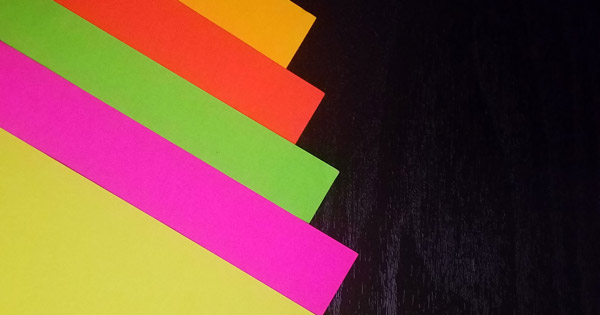
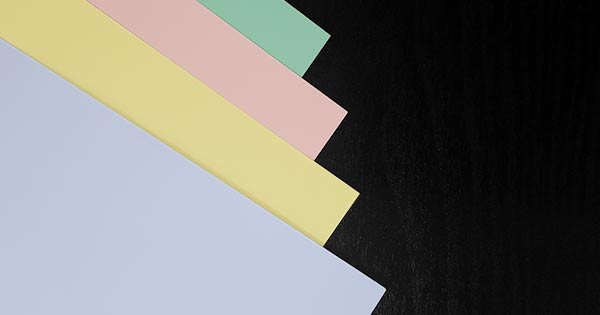
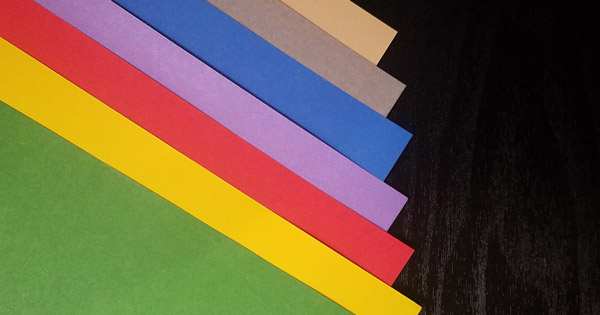
You may also want to shop our durable labels if your file folders may get a lot of use.
Step 3: Come up with a plan
Review your existing files before creating your new folder labels. Identifying overarching categories first will help you figure out exactly what you need from your filing system.
Next, decide how specific you want your organizational system to be. Are you going to break things down into subcategories or have general folders for each subject?
Think about how things could change in the future as well. You may want to go with "Car" instead of "Nissan Maxima" as your folder name for a system that's easier to maintain and abide by.
Lastly, start making your list and finalizing the structure. If your system will be alphabetical, consider "Credit Card: Mastercard" over "Mastercard Credit Card."
Step 4: Find a template
We offer free label templates for all of our products. Choose from blank templates or pre-designed file folder label templates to get started.
Blank Label Templates
Download your desired template to use in your favorite program. Add text, graphics, images, clipart, shapes, backgrounds, borders, and more to make it your own. You name, you can do it with these labels.
Write-In Pre-Designed Label Templates
These pre-designed file folder label templates are great for users who want to start with a design. Print the sheet as-is and write-in your details, or customize it online. Type in your folder names, format with your own color-coding system, whatever you need. These file folder label templates offer the utmost flexibility!
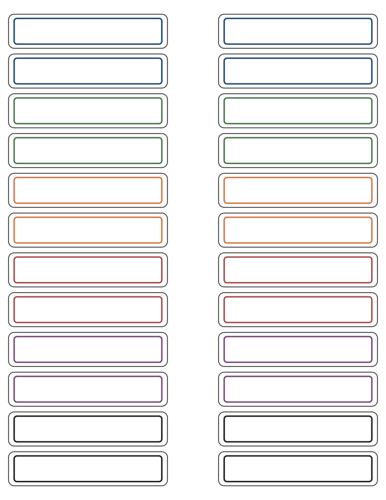
Expert tip: Click "Customize More or Save This Design" for advanced editing options using Maestro Label Designer. You may also want to try our mail merge tool for an easier time filing in your text!
Ready-to-Print Label Templates
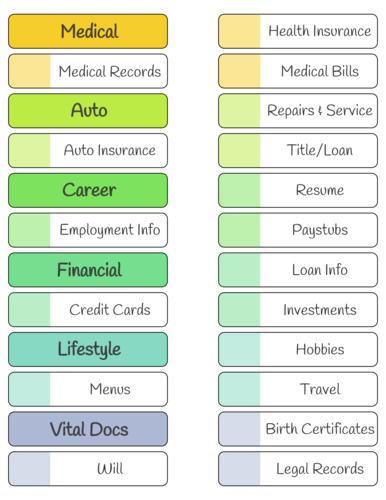
These labels already have the design and common category headings included. We've simplified the process by doing all the work for you, just hit print.
Step 5: Print your file folder labels
Once you're happy with your design, determine how your labels should lay in the paper tray (label-side up or label-side down). Then, load them up. Use the print menu in your desired program to finish the process!
Shop labels for file folders. Then, let your personal circumstances and preferences dictate the best system for you. Whether that's designing file folder stickers from scratch or printing off a "stock" option, you can rely on the blank and pre-designed templates at OnlineLabels.com. Shop our other organization solutions.
