| Recent Designs | |
| Design Options | |
| Send Your Design | |
| Design Toolbar | |
| Version Navigation | |
| Comments | |
| Add Comments |
|
Change Designer Name - Allows you to change the name that is displayed with your designs. Email Notifications - Allows you to turn email notifications on and off. |
|
|
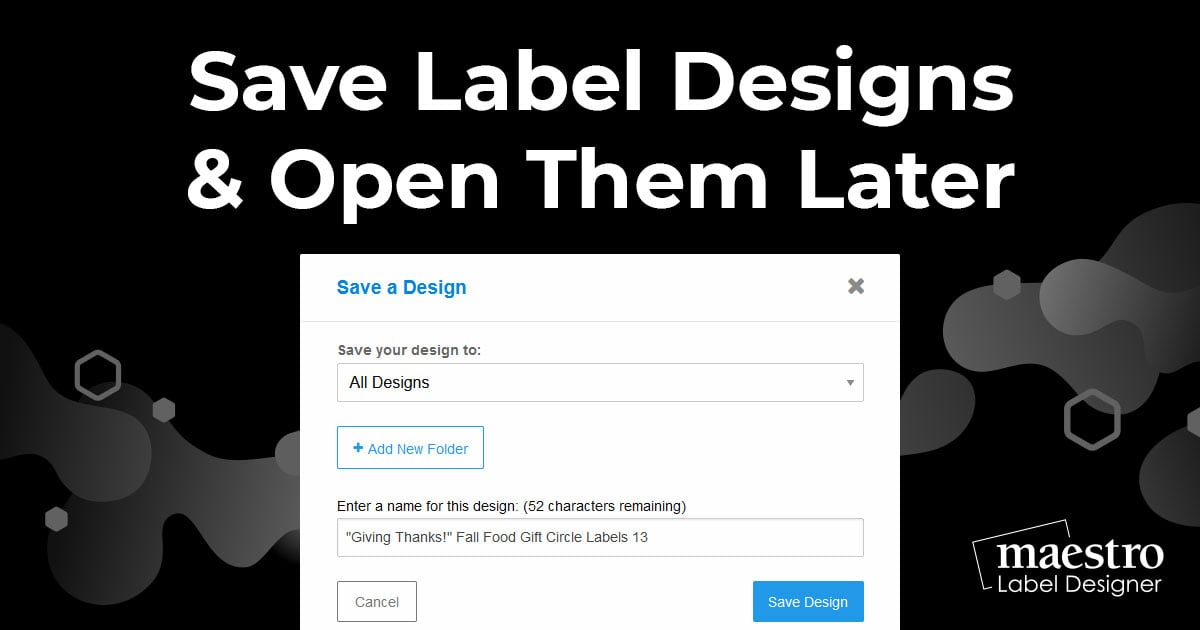
Edit title/description - Edit the title and description of your design. Password protect design - Adds a password to your design. Anyone who wants to see your design will need to enter this password before they can view it. |
|
|
Show to Public (?) - Unchecking this box will disable this design. The design will still be saved in your account, but it will not be visible to others. Delete this page - This will permanently delete this published design, but it will still be accessible in Maestro Label Designer. |
| Once you have saved multiple versions of you design, your bar will have three options. | |
| Previous Version Button -The button on the left takes you to the previous version of the publshed design. | |
| Version Drop Down - The middle drop down allows you to select and view any version of your saved design. | |
| Next Version Button - The button on the right takes you to the next version of your published design. | |
| Version Number - Displays the design’s version number. | |
| Refresh Comments - View new comments to your published design. | |
| Add Comment - Adds a comment to your published design. |
| Customer Support | Shopping | Miscellaneous | Company Information | |
|
|
Toll Free: 1-888-575-2235 Online Labels, Inc. |
![]() |
![]() |
|
© 2012 Copyright Online Labels, Inc. All Rights Reserved. Privacy Policy | Terms of Service
|