

The Benefits of DIY Asset Tagging

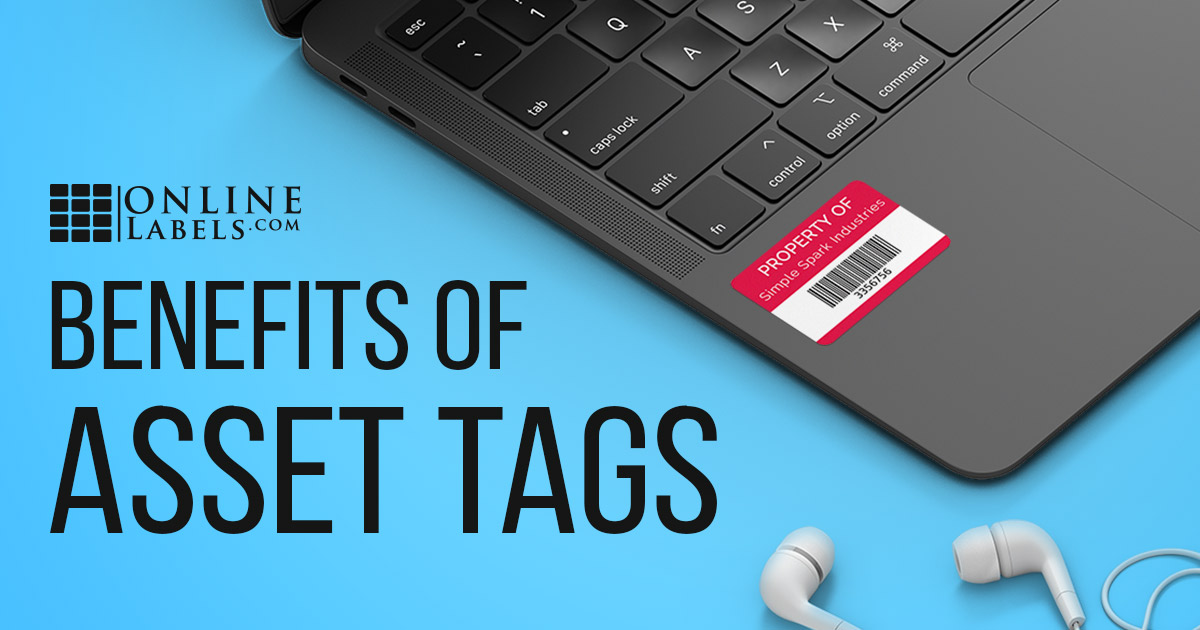
You spend a lot of time and money acquiring the equipment you need to run your business – computers, servers, phones, machinery. Those assets keep your business running and are essential to its success, but are they at risk? Take control of your office property with printable asset tags and labels.
What are asset tags?
Asset tags, also known as product ID labels, generally include a product identifier such as a serialized number or scannable code. They make item look-ups easy so you can quickly and efficiently access data on your possessions. These asset tag labels can come in all shapes, sizes, and materials.
What should I add asset tags to?
Asset tags are used for tracking both fixed and movable company assets, but you don't need to label everything in the office. Consider tagging high-value assets (such as those that depreciate), assets that require regular maintenance or replacement parts (such as equipment and machinery), and large quantities of assets (such as chairs so you have accurate inventory counts). You can also use them to deter theft.
Examples of assets to label:
- Computers and accessories like monitors, laptops, printers, and keyboards
- IT hardware and servers
- Audio-visual equipment and photography/videography equipment
- Vehicles and office furniture
- Capital equipment such as machinery and tools
What can I track with asset tags?
You can track any information your business deems necessary for whichever company assets you desire.
This can include:
- Repair logs
- Maintenance schedules
- Item location
- Inventory count
- Lifespan
- Check in/check out records
- Equipment uptime and downtime
- User history
How can I personalize asset tagging for my business?
With other asset tag companies, you have to order your custom tags and wait for them to be produced and delivered. With OnlineLabels.com, you are in charge of your asset tag production. Print new asset tags every time you acquire new assets.
This on-demand asset tagging can speed up your workflow and save you money. Here's what you need to create your DIY asset tags:
1. Decide on the content
First, you should discuss internally what structure will work best for your business. Asset tags can include any of the following things, so you want to identify your requirements and needs up front.
What goes on your asset tags:
- Barcodes
- Serial numbers
- A unique number/letter sequence
- Company logo
- Name or description of the item
- Company phone number/contact information
- Color-coding
2. Pick a label/tag size
What type of content (and how much of it) you decide to go with will dictate what size asset label you use, but you should also consider the size of the product to which it’s being applied. Asset tags are almost exclusively small-to-midsize rectangles.
Recommended asset tag sizes:
3. Choose a material
There are a variety of label materials you can use for tagging your possessions, each with various visual or functional characteristics. You can use one material for all of your assets, or change materials based on specific uses.
Popular asset tag materials:
- Weatherproof Polyester Laser
- Weatherproof Matte Inkjet
- Aggressive White Matte
- Silver Polyester Laser
- Void Silver Polyester
Once you start a system for monitoring your business assets, you'll be able to effectively scale up or down your assets, streamlining your business for growth. Take charge of your asset tagging process with print-it-yourself asset tags from OnlineLabels.com.
