Online Labels Learning Center

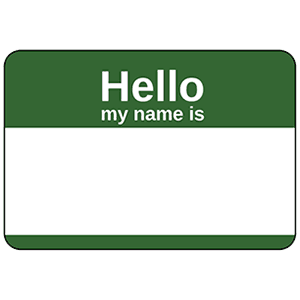
How to Create ID Badges for Conferences and Events

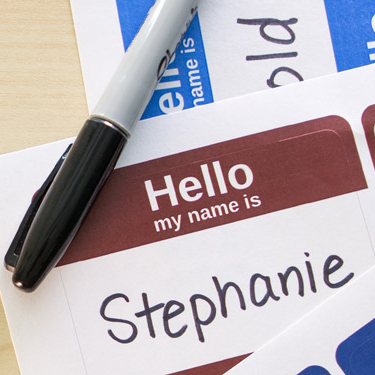
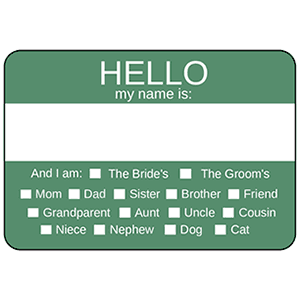
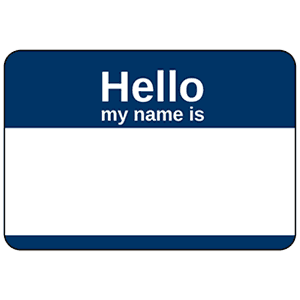
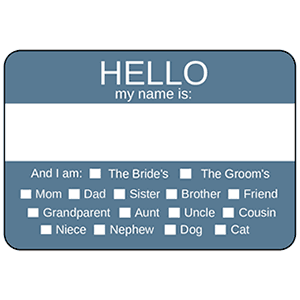
An ID badge is an easy and effective way introducing attendees of events and conferences. The following How-To will not only help with creating professional ID badges, but also help in making your event a success.

Steps

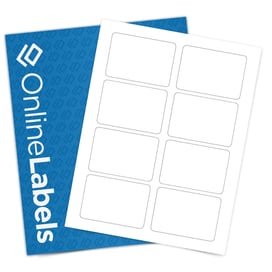
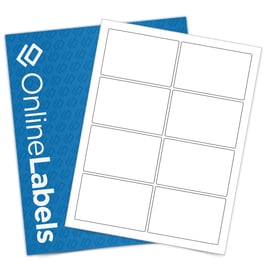
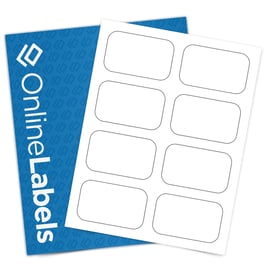
  1. Select your ID badge labels, some of OnlineLabels.com’s most recommended are the OL173 and OL3016.
  2. Next, decide what information will be displayed on the ID badge. You may want to include names, company information or logos.
  3. Visit Maestro Label Designer to design your ID badges.
  4. After you have designed your name badges, it is time to print.
  5. We always suggest printing out a test page. This will not only ensure your alignment is correct but will also help save any wasted product.
  6. Once you have ensured your alignment is correct, simply load your laser or inkjet printer with your label sheets and print.

Tips and Tricks
  • Using materials such as our gloss material can add a professional finish to any ID badge.
  • Use a font that mirrors the event or conferences setting. For example, using a Times New Roman font can be easily read and still have a slight sophistication.
  • Make the names on the ID badges read without difficulty.

User Comments

Name:

Email:

Comments:

Customer Support Shopping Miscellaneous Company Information  

Toll Free: 1-888-575-2235
Local: 407-949-6499
Fax: 1-866-406-7341

Online Labels, Inc.
975 Bennett Drive
Longwood, FL 32750 USA

The Print Guide Recommended Label Supplier Visit Consolidated Label for custom printed labels. BizRate Customer Certified (PLATINUM) Site