
USPS Shipping Labels
Here's what people are saying
Frequently Asked Questions
-
Do these labels work with USPS Click and Ship?
Yes! You can use these shipping labels to print directly from USPS's Click and Ship system.
-
Do you offer blank USPS shipping label templates?
Each of our standard label sizes include a free blank template that can be used to lay out your shipping label. Formats are available for Microsoft Word, PDF, and more.
-
Which label sizes are ideal for printing online USPS postage like priority mail?
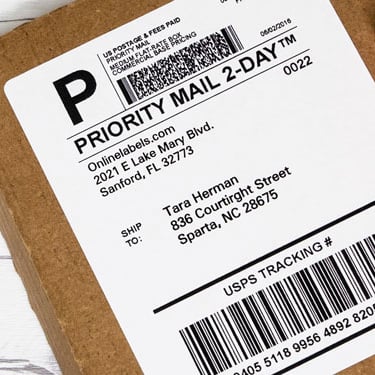
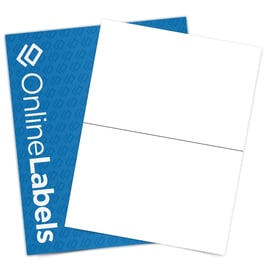
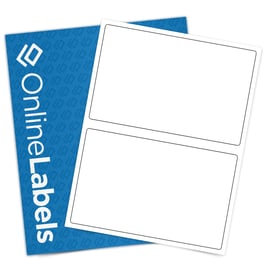
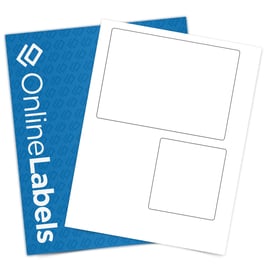
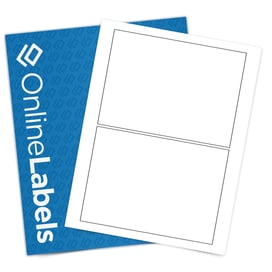
We offer a few select sizes that fit USPS label formats depending on the platform. Our half sheet label, OL400, is a full-proof label option that works with most shipping platforms!
-
Which label materials work best for USPS labels?
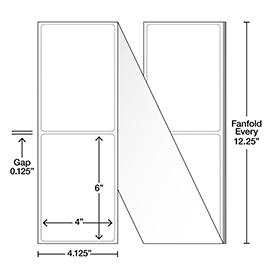
While most of our label materials work great for shipping labels, weatherproof and thermal labels will offer the most protection. If you expect your labels to be exposed to the elements or heavy handling, consider one of these more durable options.
-
How do I print USPS labels at home?
You can print USPS labels at home by creating your shipment through the United States Postal Service's Click-N-Ship. Enter your package details, select a shipping service, pay for postage, and download the label as a PDF. Print the label using a standard inkjet, laser, or compatible label printer, then attach it to your package. For step-by-step instructions and label format options, see our guide on how to print shipping labels with USPS.