
UPS® Labels
Here's what people are saying
Best Labels for Global Shipping
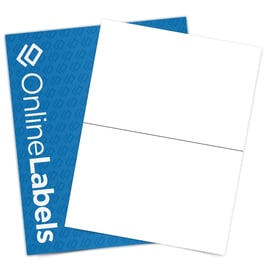
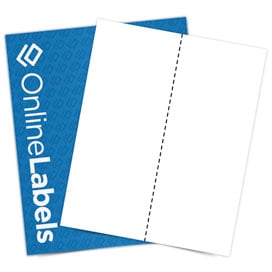
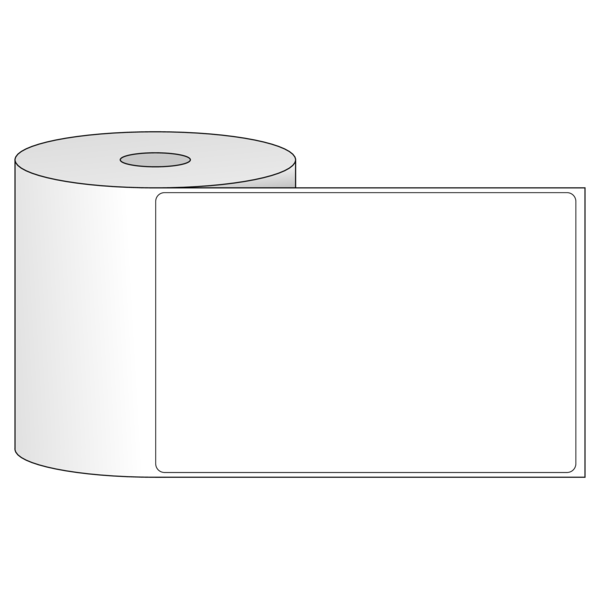
Products that face heavy handling, weather, and long lead times need extra durable labels. For best results, we recommend using the following materials for your UPS shipping labels:
Frequently Asked Questions
-
How do I make my own mailing labels for UPS?
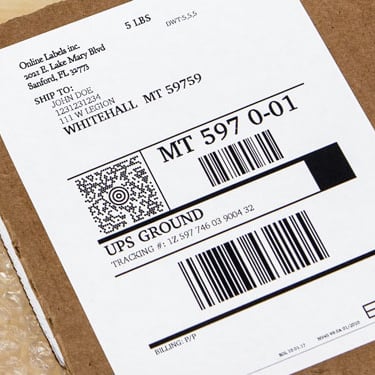
To make your own UPS mailing labels, enter the sender and recipient information in a UPS-approved shipping tool. After purchasing postage, download the label file and place it into a label template sized for your shipping labels. Print a test page first, then print the final label on compatible shipping label paper using a home or office printer.
-
How do I print UPS shipping labels if I don’t have a printer?
If you don’t have a printer, you can create your UPS shipping label online and choose the option to print it at a UPS Store or authorized location. UPS also offers QR codes that can be scanned in-store to print the label for you. Once printed, attach the label to your package and drop it off or schedule a pickup.