
Flash Drive Labels
Here's what people are saying
How to Label Flash Drives
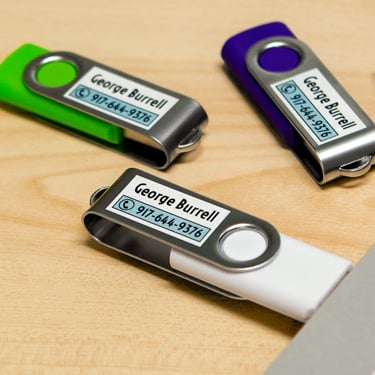
Most thumb drives look alike and are easily misplaced or forgotten. Whether you're transferring a business pitch or submitting a school presentation, make sure your memory stick can find its way back to you. Here's how to create, print, and apply your USB flash drive label or tag:
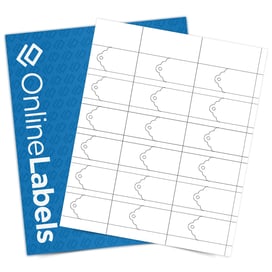
- Use our printable ruler to determine the right label size for your USB stick. If you're using a printable cardstock tag, choose a string thin enough to slip through the hole. Instead of double-knotting it, consider tying a slip knot (like a suitcase luggage tag).
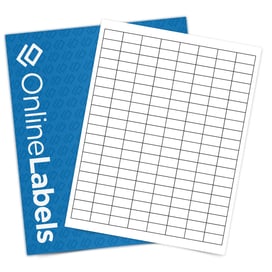
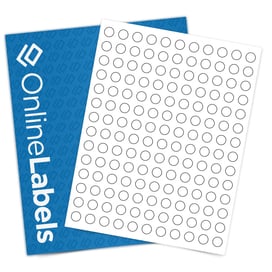
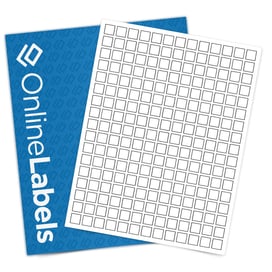
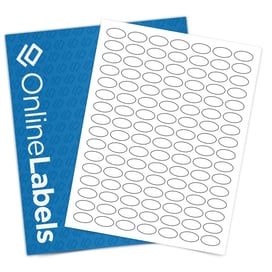
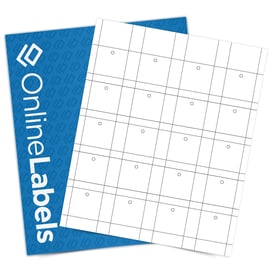
- Choose from our popular sizes and configurations above or shop all of our standard label sizes.
- Design your labels or tags in Maestro Label Designer, our exclusive design software. If you're a business, brand the zip drive with your company logo, website, and more. For personal USBs, include your name and phone number or email address. You can also spice it up with borders, preferred color schemes, and more.
- Print your labels and apply to the stem or lanyard loop of your jump drive.
Frequently Asked Questions
-
What materials are available for flash drive labels, and how durable are they?
Our flash drive labels are available in various paper and durable films. Standard White Matte and pastel colors can offer affordable, professional results, while weatherproof options will ensure durability over time.
-
Are flash drive labels compatible with both inkjet and laser printers?
Certain materials, like Standard White Matte, are designed for either inkjet or laser printers. For best results with small text or detailed logos, use printer settings for high resolution to ensure your labels remain sharp and legible.
-
Do you provide templates for designing flash drive labels?
Absolutely, free templates are available for all our label sizes in Maestro Label Designer, making it easy to add text, logos, or color-coding before printing.
-
Do the labels interfere with inserting the flash drive into USB ports?
No, when applied properly, our flash drive labels are designed to fit flat and avoid covering functional areas, so your drive will still plug into any device.