
Blank Invitations

Here's what people are saying
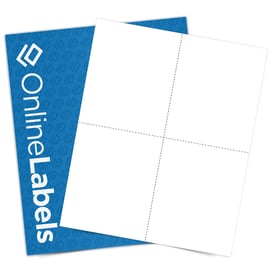
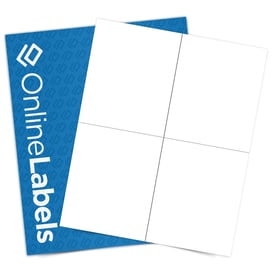
Perforated Invitation Paper
Print your own custom invitations using our cardstock invitation paper. Our white cardstock material is an uncoated white printable paper made of 7.5 point, 118 lb. cardstock. It's designed to work with most laser and inkjet printers for flexibility in your printing process. Choose from two perforated options, postcard-style or folded, to create the perfect invites for your next event.
Popular invitation events include:
- Weddings
- Birthdays
- Baby showers
- Christmas & holidays
- Office parties
- House warmings
You can also use our invitation paper to make personalized greeting cards, thank you notes, and more.
Frequently Asked Questions
-
Does the blank invitation cardstock material have a glossy or matte finish?
Our cardstock material features a matte, uncoated white surface, ideal for writing or printing with standard ink.
-
Are there any special printer settings needed?
We recommend setting your printer to a thicker paper type, such as "Cardstock."
-
Can I write on these blank cardstock invitations with pens, markers, or calligraphy ink without it fading?
Yes, the uncoated matte surface is ideal for writing with pens, markers, or calligraphy ink. For best results, allow any writing fully dry before handling your blank invitations to prevent smudging.