
Car Dealer Window Stickers
Here's what people are saying
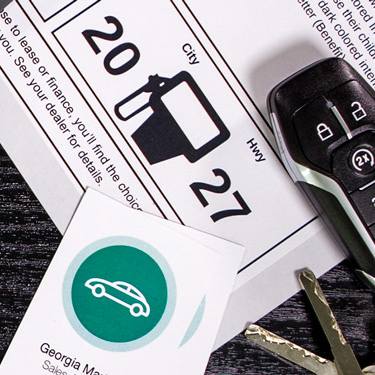
Dealer Window Stickers Explained
All of our auto window sticker labels and Federal Trade Commission Buyers Guide stickers allow for printing on the same side as the adhesive. This keeps your sales content away from damaging elements like sun, wind, and rain. Peel off the liner around your text and apply to the inside of a car window for best results.
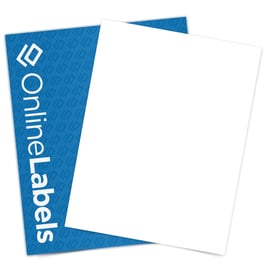
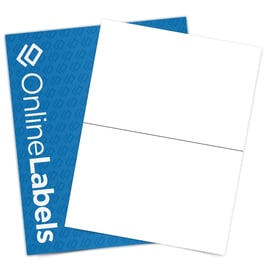
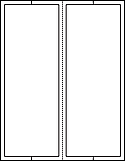
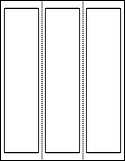
The full sheet option measures 7.5" x 10". It is designed to be the main Monroney sticker, showcasing all the vehicle information like make/model, color, and miles per gallon. The addendum stickers are great for showing vehicle upgrades and listing add-ons. They come in various sizes to accommodate different space and content requirements. The two sizes, 3.75" x 10.5" and 2.375" x 10", are perforated for easy application.