Help Center

Search:

Adding Shapes to Your Design

1

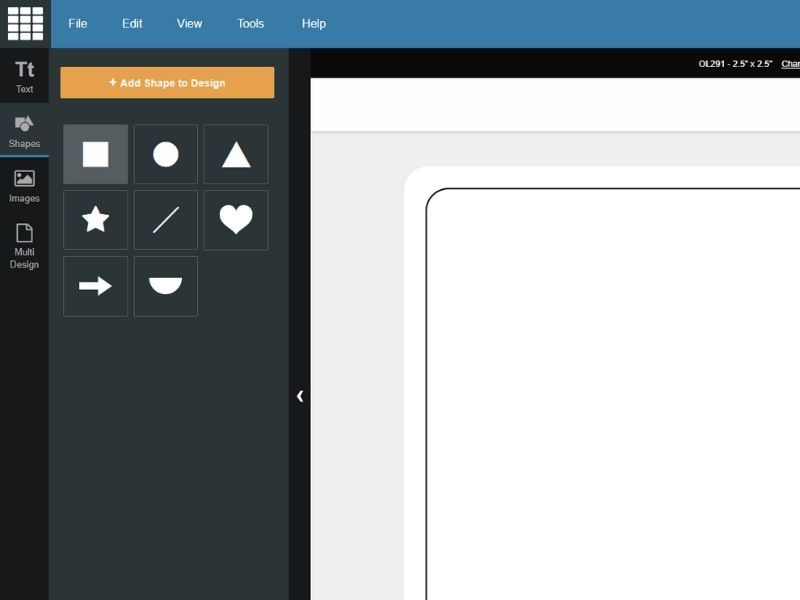
Click the "Add Shapes" icon in the upper left corner of Maestro Label Designer.

Locate and click the "Add Shapes" icon in the upper left corner of Maestro Label Designer.

2

To the left of the main design window, in the "Design Properties", you will notice two boxes:

Locate the "Select a Shape" and "Object Properties" boxes to customize your shapes.

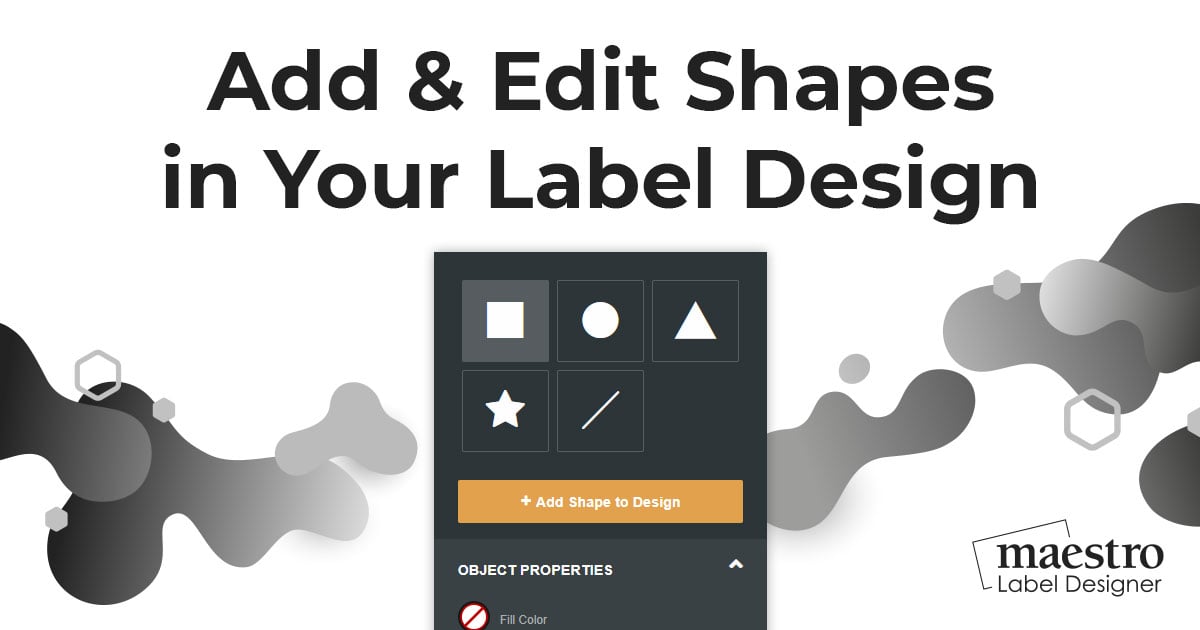
Select a Shape - Select from a few basic shapes - square/rectangle, circle/oval, straight line, triangle, or a star. If square/rectangle is selected, you can also specify a corner radius.

Object Properties - Allows you to edit the shape's fill color as well as its line (also called stroke or border) width and color. You can also adjust the selected object's opacity (transparency).

3

Use your mouse to click and drag in the Design Window to draw your shape. Hold down the Shift button while dragging to constrain the shape's proportions.

Use your mouse to click and drag in the Design Window to draw your shape. Hold down the Shift button while dragging to keep the shape's proportions.

Editing Your Shapes

1

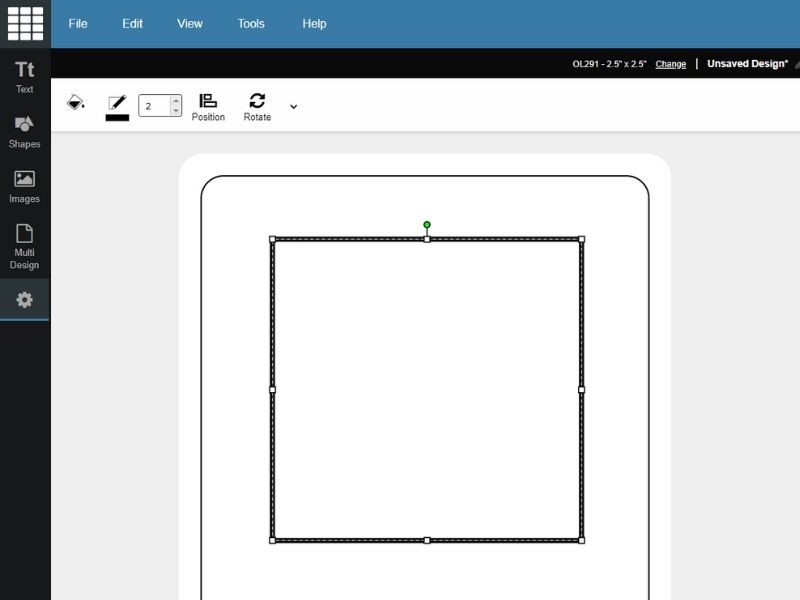
Select the shape you'd like to edit. Click the corners and drag your mouse to do a free-hand resize, or hold the Shift key and drag the corners to constrain the shape's proportions. You can also click anywhere in the shape to drag it.

Select the shape you'd like to edit and resize.


You can also make changes to the shape colors or modify the line thickness with the "Object Properties" box on the left of the Design Window.

You can also use the "Object Properties" box on the left of the Design Window to edit your shapes.

Customer Support Shopping Miscellaneous Company Information  
Facebook Logo Twitter Logo

Toll Free: 1-888-575-2235
Local: 407-949-6499
Fax: 1-866-406-7341

Online Labels, Inc.
975 Bennett Drive
Longwood, FL 32750 USA

The Print Guide Recommended Label Supplier Visit Consolidated Label for custom printed labels. BizRate Circle of Excellence Site – MERCHANT Reviews at Bizrate
Switch to Mobile Version