
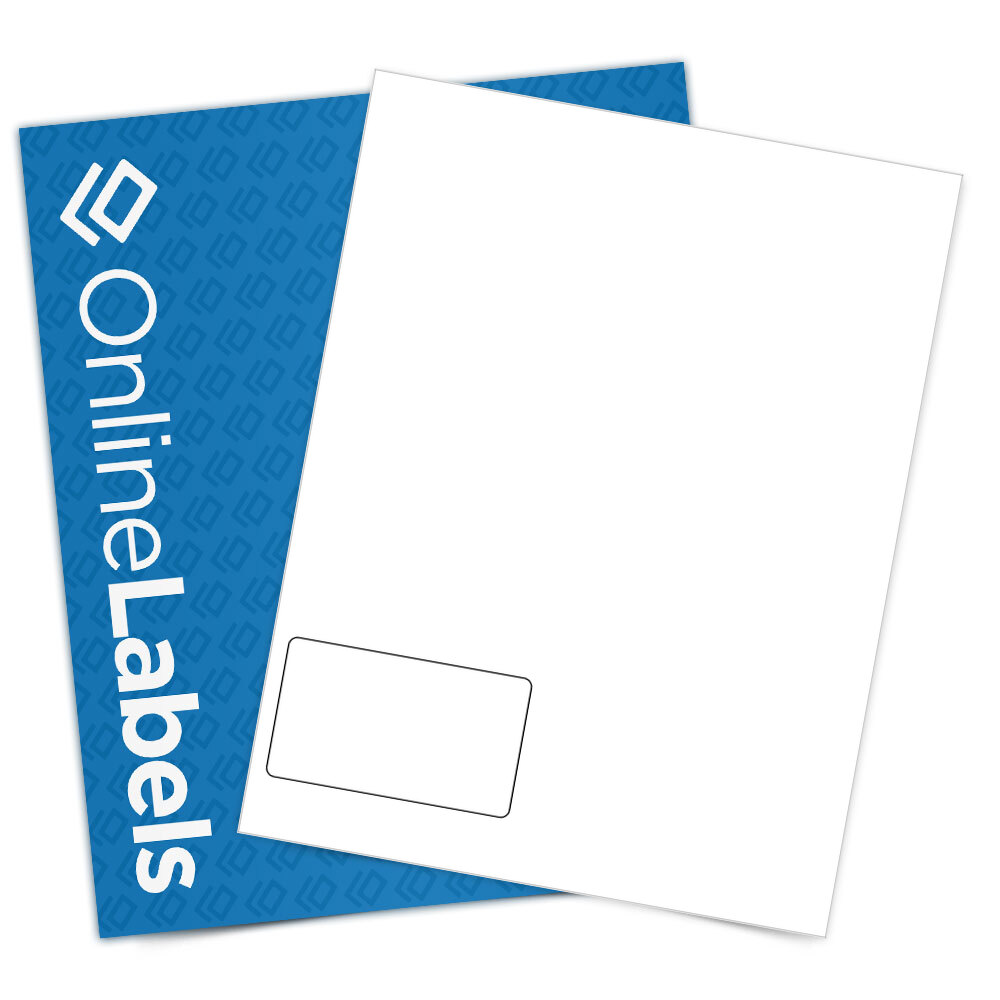
3.5" x 2" - Product OL825




Item Details
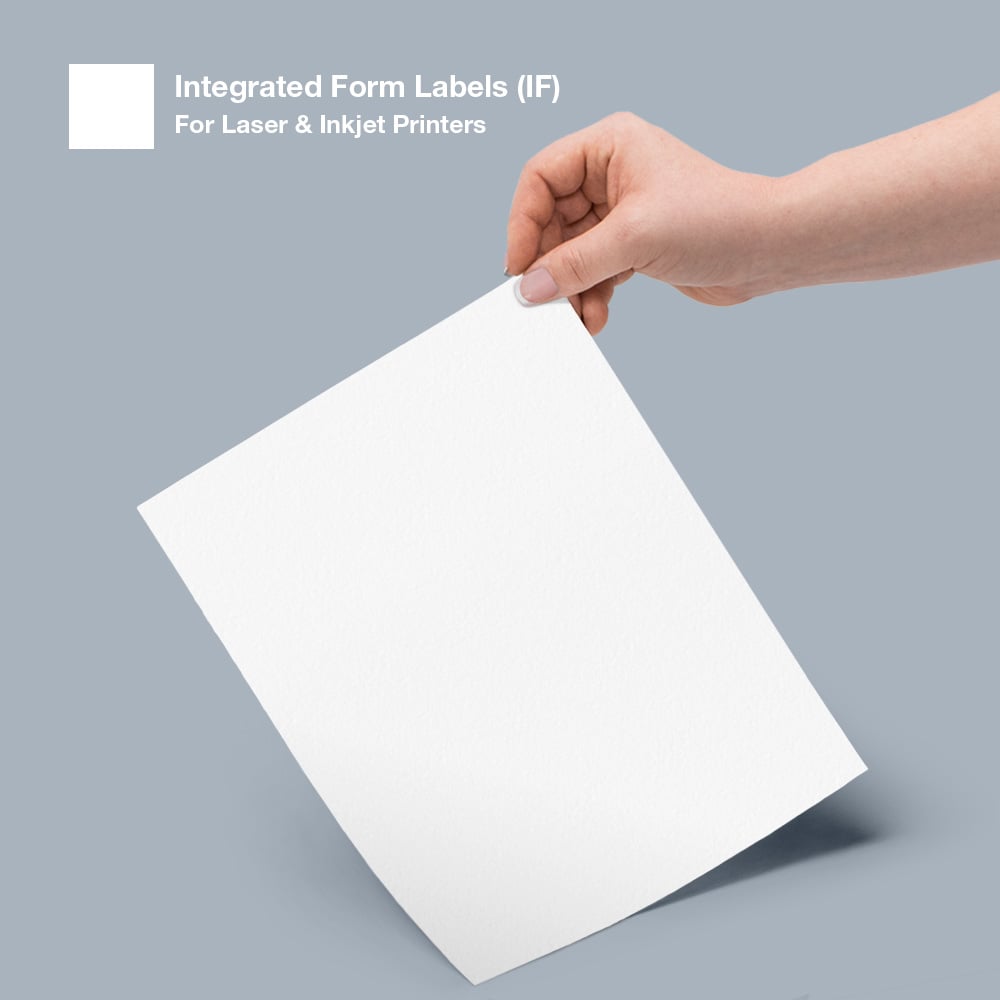
This part paper and part label combination is made from a heavyweight facestock, layflat liner and general purpose adhesive (on the labels only.) Our Integrated Form Label material has excellent results when printed with a laser or inkjet printer. Integrated form labels are popular for a variety of applications where information needs to be combined, such as shipping or packing slips.
Product Specifications for OL825
Measurement Display:
Labels Per Sheet
1
Shape
Round Corner Rectangle
Height
2"
Length
3.5"
Sheet Size
8.5" x 11"
Horizontal Spacing
0"
Vertical Spacing
0"
Corner Radius
0.125"
Top Margin
8.125"
Bottom Margin
0.875"
Left Margin
0.25"
Right Margin
4.75"
Customers Love OnlineLabels
Laurie
"I never had an issue with these labels over the years. The glue is high quality which sticks and stays adhered. It is especially good for those labeling glass bottles."
Olivia
"Labels are always delivered quickly and in mint condition at a great price!"
John
"The product is good; the price is good; and order to delivery time is exceptional (which means order fulfillment is speedy). I can't say enough good things about OnlineLabels"
Diane
"Excellent product, excellent customer service, good price. I'm more than satisfied! And they arrived VERY quickly which was an added bonus"

