

How To Save Label Designs & Open Them Later

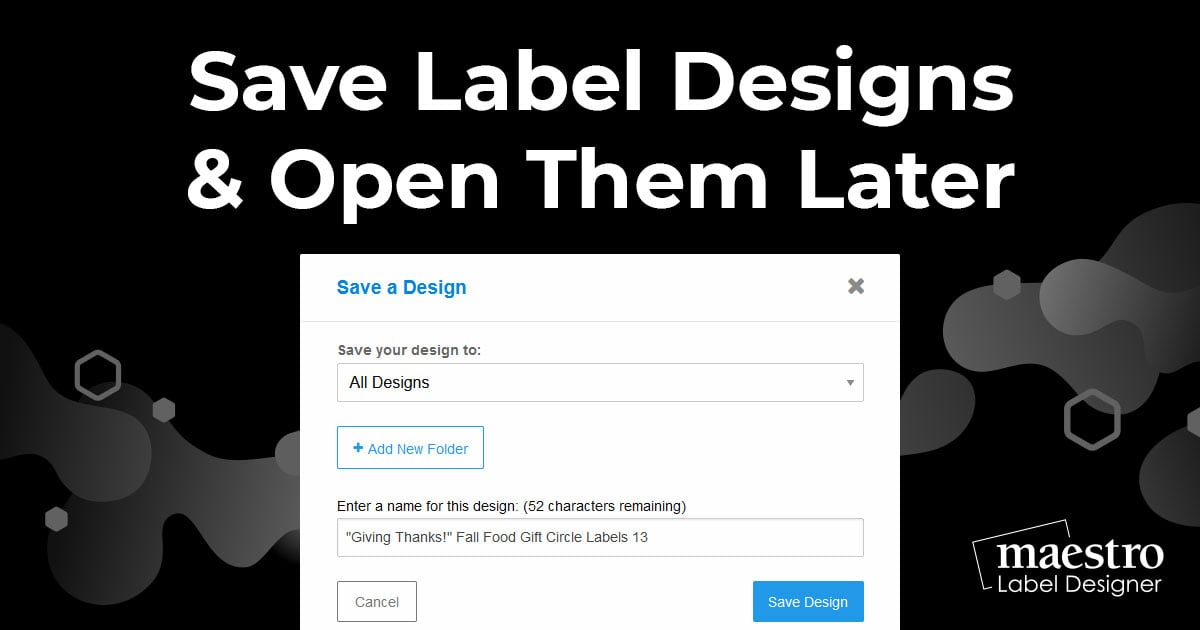
Once you've created a design you love, make sure to save it so you can access it again! Follow these steps to save it correctly and then continue reading for instructions on how to open it later.
Saving Your Design
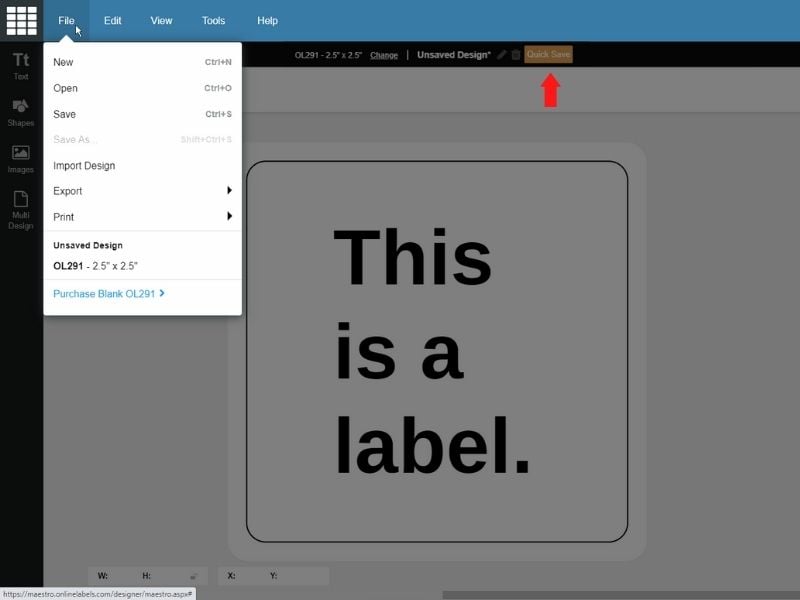
With Maestro Label Designer open, click on the orange "Quick Save" button above your design or hover over "File" in the blue navigation bar and click "Save."
-
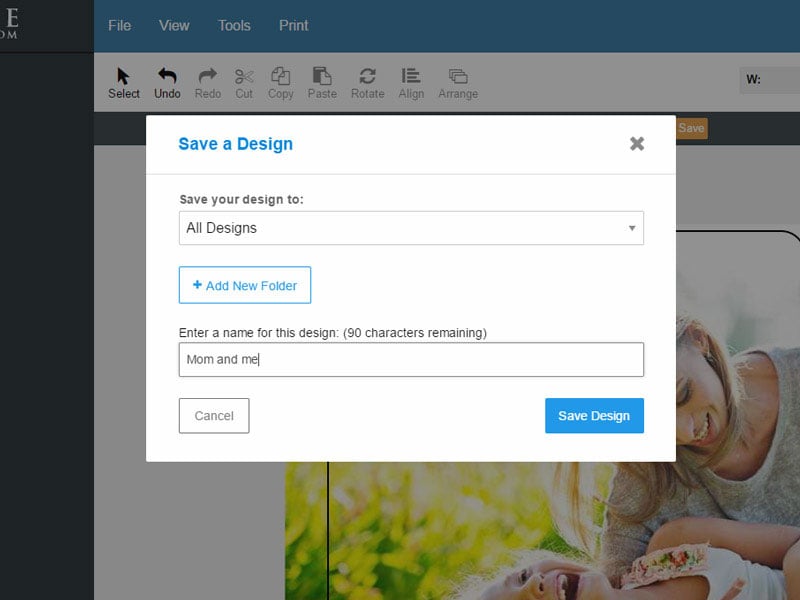
Add or select a folder if you wish to organize your designs, name your file, and click "Save Design."
-
Continue editing your design or close Maestro Label Designer.
Opening A Saved Design
-
Launch Maestro Label Designer and sign in.
-
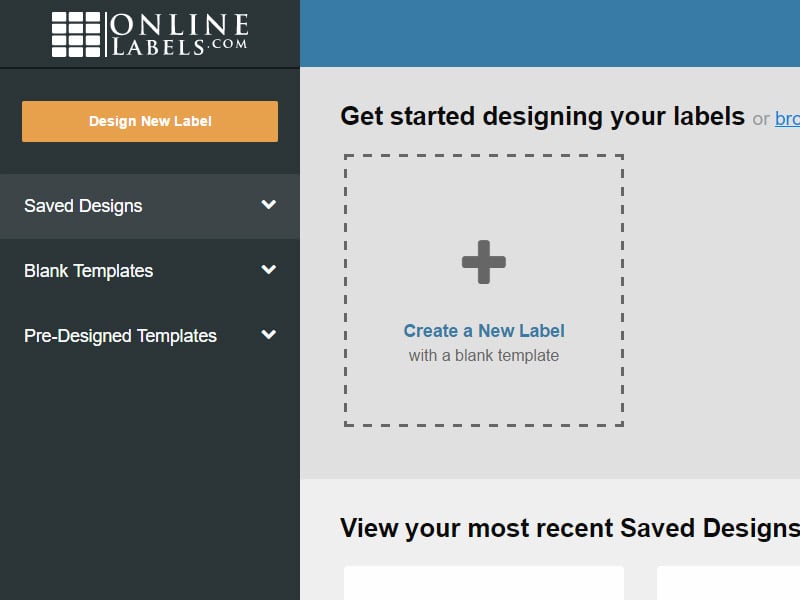
Click "Saved Designs" in the vertical toolbar to the left of the screen.
-
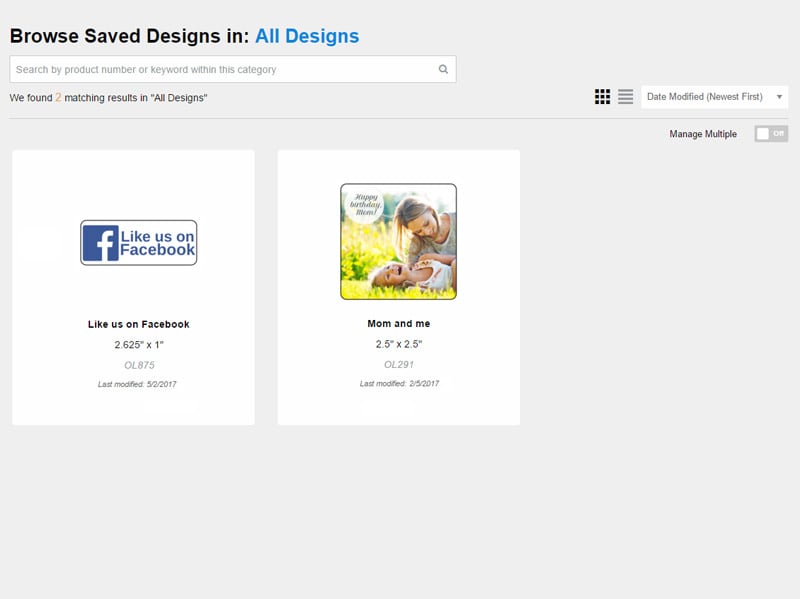
Click on your desired design from what loads on the following page.
Note: You can search for a design by typing its filename into the search bar at the top of the page. You can also change the sort method using the "Date Modified" box off to the right or convert your designs to list view by clicking on the nearby icons.
Having a little trouble saving your design or locating an old one? Call our customer service team at 1-888-575-2235.
