
Labels by Size
4.7 rating based on 58,265 reviews
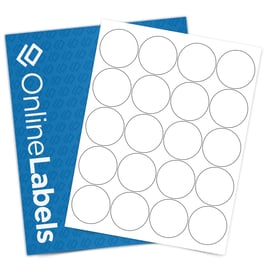
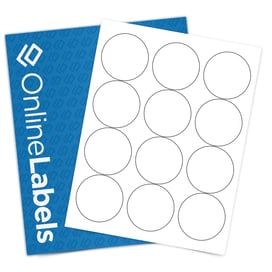

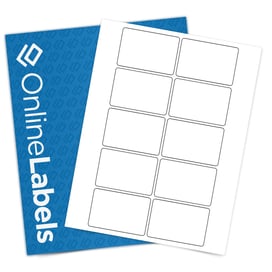
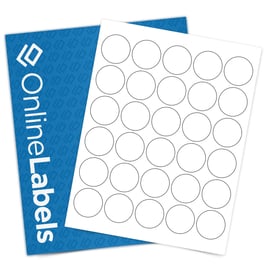
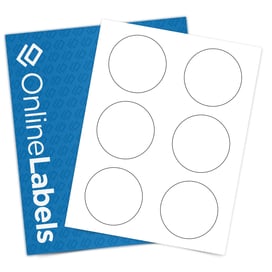
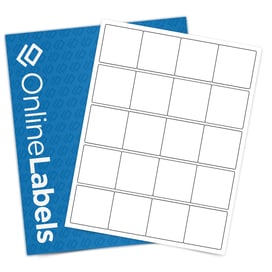
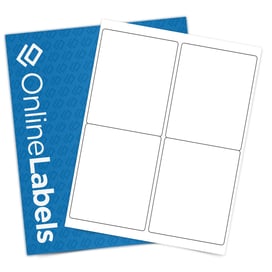
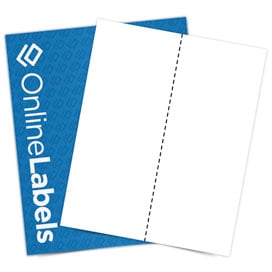
Can't find what you're looking for? Browse our Custom Size Archive or create your own custom size.
Here's what people are saying
How To Find The Label Size You Need
While finding the label measurements you need may be easy with some containers, others can be quite challenging. Below are a list of instructions and tips when it comes to finding the dimensions of a curved, rounded, or cylindrical container or object:
- Open our printable ruler. Using a measuring device that bends, curves, and wraps with your object will make finding the exact size much easier.
- Print and cut the printable ruler. Make sure your PDF viewer has the "Actual Size" box checked and that "Page Scaling" is set to none. This will make sure your printable ruler is giving you accurate measurements.
- Wrap the ruler around your item, container, or object. If you want a full-wrap label, we recommend adding 1/4" to your measurement to create some overlap.
- Adjust the sliders above or enter the exact measurements you need.
- Order your labels, print them using your home or office printer, and apply.