

Own the Course with Personalized Golf Club Labels

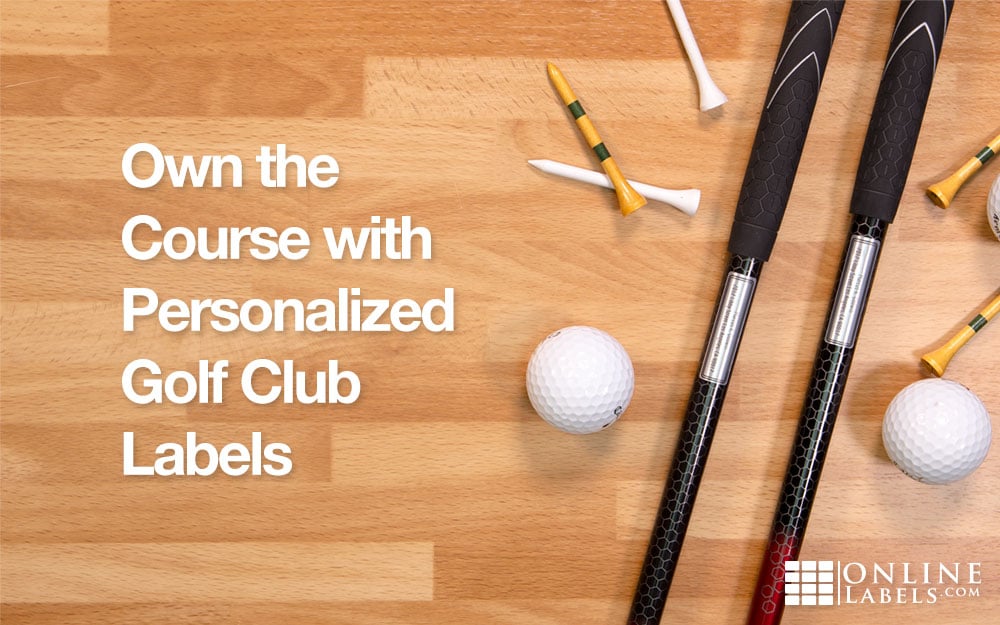
It's happened to the best of us — you get home from a PGA Tour-worthy round of golf and notice your 9-iron is missing. A million thoughts are racing through your head — should I have had that last beer before the 6th hole ... was someone nice enough to return it to the clubhouse ... how will the clubhouse know if it's mine ... is this an excuse to just buy an entirely new set of clubs? Be proactive instead and avoid the situation entirely with golf club ID labels.
Golf club ID labels act like dog collars for your favorite clubs. To make sure their clubs return home safely, many opt for basic contact information. Name, address, and phone number are ideal. One trend people are picking up on is adding their logo to their labels. Not only does this reinforce a brand, but if you match it on your card and bag, golfers can spot you right on the course.
All of our golf ID labels can be found on our site and you can order however many sheets (or however little sheets) you need to get started! Choose the perfect size and material. We suggest our weatherproof labels that hold up extremely well with heavy use.
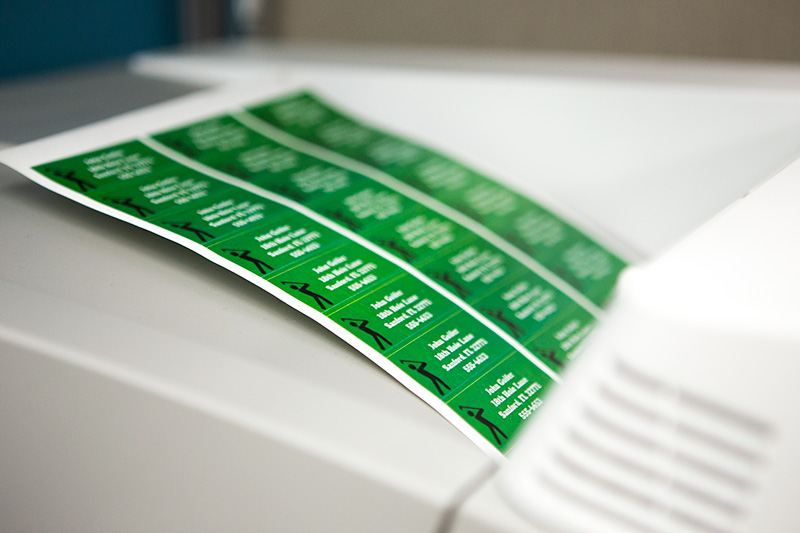
Once you have your labels picked out, you're ready to design. Designing a label yourself means the possiblities are endless. Use your favorite software to customize fonts, colors, and anything else. If you are unfamiliar with the finer points of graphic design, Maestro Label Designer is a great tool for beginners.
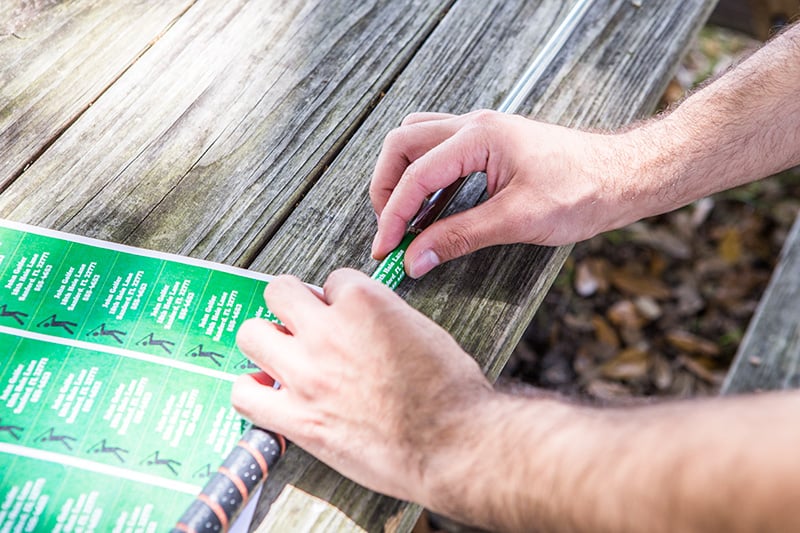
Placing your label couldn't get easier. Place it somewhere that is easily visible and isn't vulnerable to possible friction. Right below the grip is a great spot. You'll want to clean your club under the grip with rubbing alcohol and firmly place the label around it.
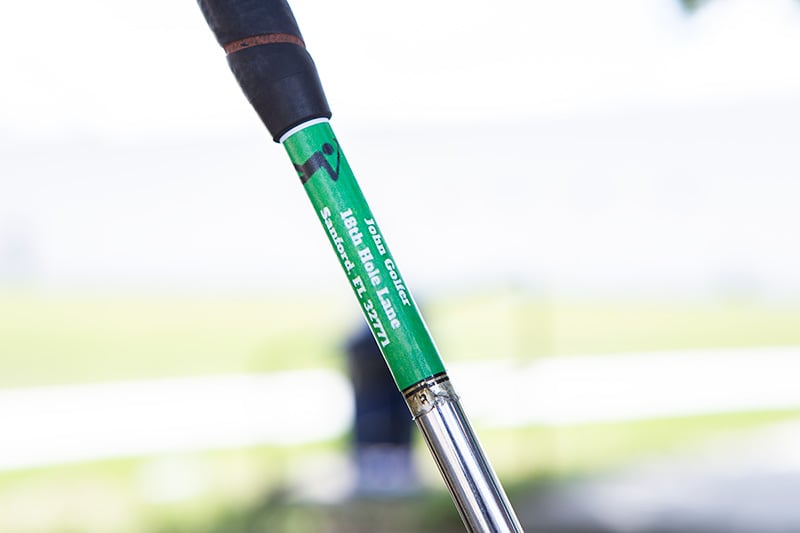
After you wrap the label around your club, you're ready to hit the course! Now, you can worry less about losing your club and more on perfecting your swing. Choosing the right material and size is essential to making your label pop. Browse all of our golf club labels before your next outing!
