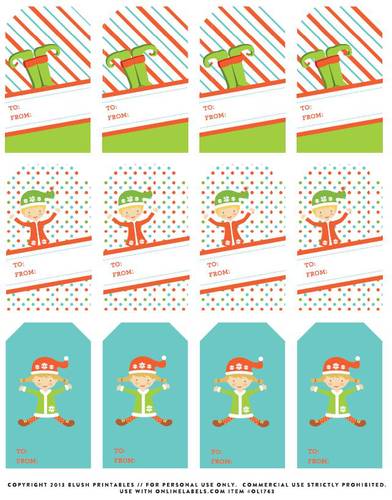
Making personalized gift tags for all you gifts adds a special touch to a special gift. OnlineLabels.com makes it easy and fun to create custom gift tags for any occasion.
- Choose the gift tag application that is right for you. A few of our suggested labels for gift tags are the OL160, OL875, and OL157.
- Next you will need to figure out what will be included on your label. A few suggestions are who the gift is for, who the gift is from and a small message to celebrate the occasion.
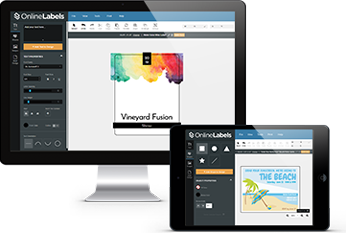
- Once you have defined the label contents, you can easily create your gift tags in Maestro Label Designer. We also have templates that can be used such as Adobe.
- After you have placed the information on your gift tag and any accompanying designs, you are ready to print.
- We always suggest printing out a test page to ensure your labels are correctly aligned and ready for print.
- Once you have determined that your label is ready, simply load your laser or inkjet printer with your cardstock and print.
- Now you have a quality gift tag certain to add a personalized touch.
Tips and Tricks
- Using a hole punch is an easy and effective way of making a hole in the cardstock. This will enable you to insert any ribbon or string.
- Choosing a more adhesive gift tag can ensure the tag will stay on. More traditional gift tags have a higher chance of coming off and getting lost.
User Comments