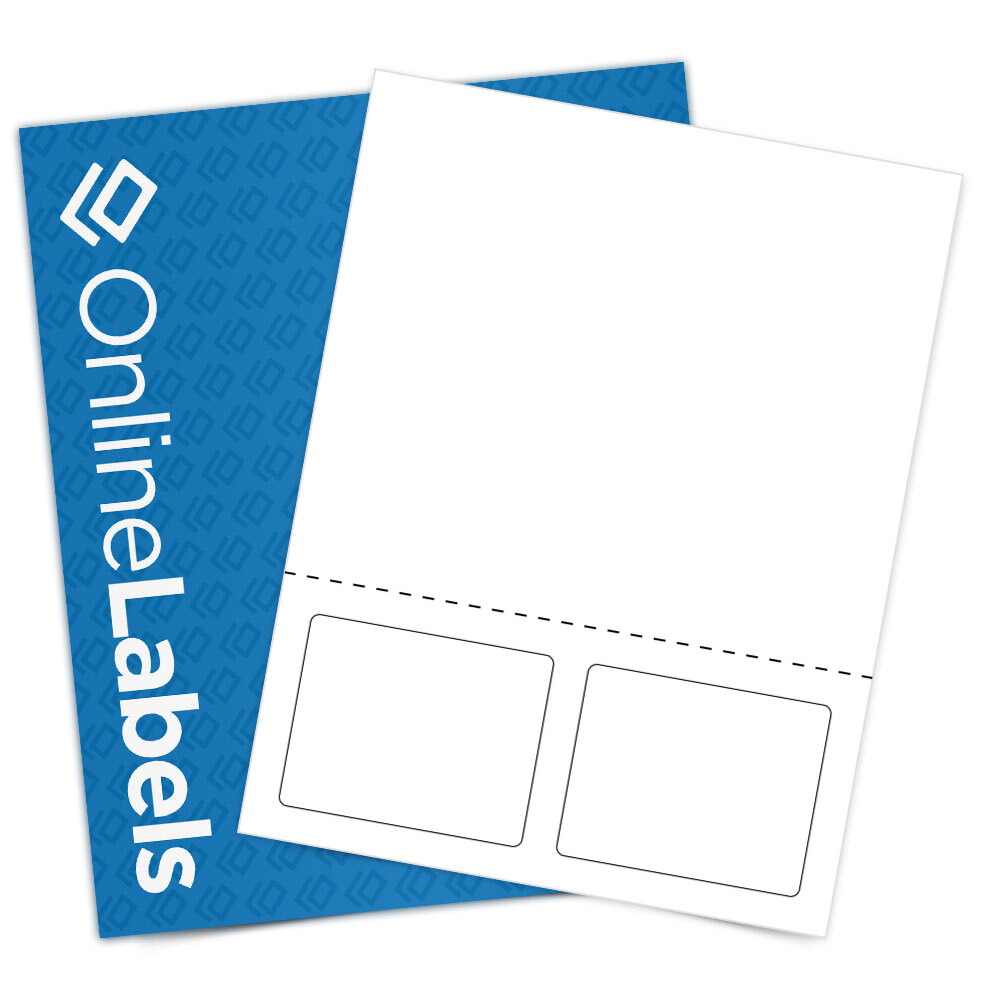
Close this popup OL826 3.5" x 2.75"
 has been added to your cart.
 -  
Item Price:
Items in cart:
Subtotal:
 ( View Cart )
Checkout at OnlineLabels.com
What would you like to do now?
 

Product OL826 - 3.5" x 2.75"

3.5" x 2.75"

Quick Specs for OL826

Display size specs in:
  • Sheet Size: 8.5" x 11"
  • Label Size: 3.5" x 2.75"
  • Labels per sheet: 2
  • Type: Integrated Form

1: Select a material:

Scroll Up
  • Integrated Form Labels OL826IF (Laser and Inkjet)
     
Scroll Down

2: Select a quantity:

Scroll Up
  • Click here to enter a quantity not listed below.
    Enter a sheet quantity: Calculate Price
     
  • 325 Sheets / 650 Labels

  • 650 Sheets / 1,300 Labels

  • 975 Sheets / 1,950 Labels

  • 1,300 Sheets / 2,600 Labels

  • 2,600 Sheets / 5,200 Labels

  • 5,200 Sheets / 10,400 Labels

  • 10,400 Sheets / 20,800 Labels

  • 20,800 Sheets / 41,600 Labels

Scroll Down
In Stock - Ships the same day if placed before 5pm ET
In Production - Normally ships

3

Item Details

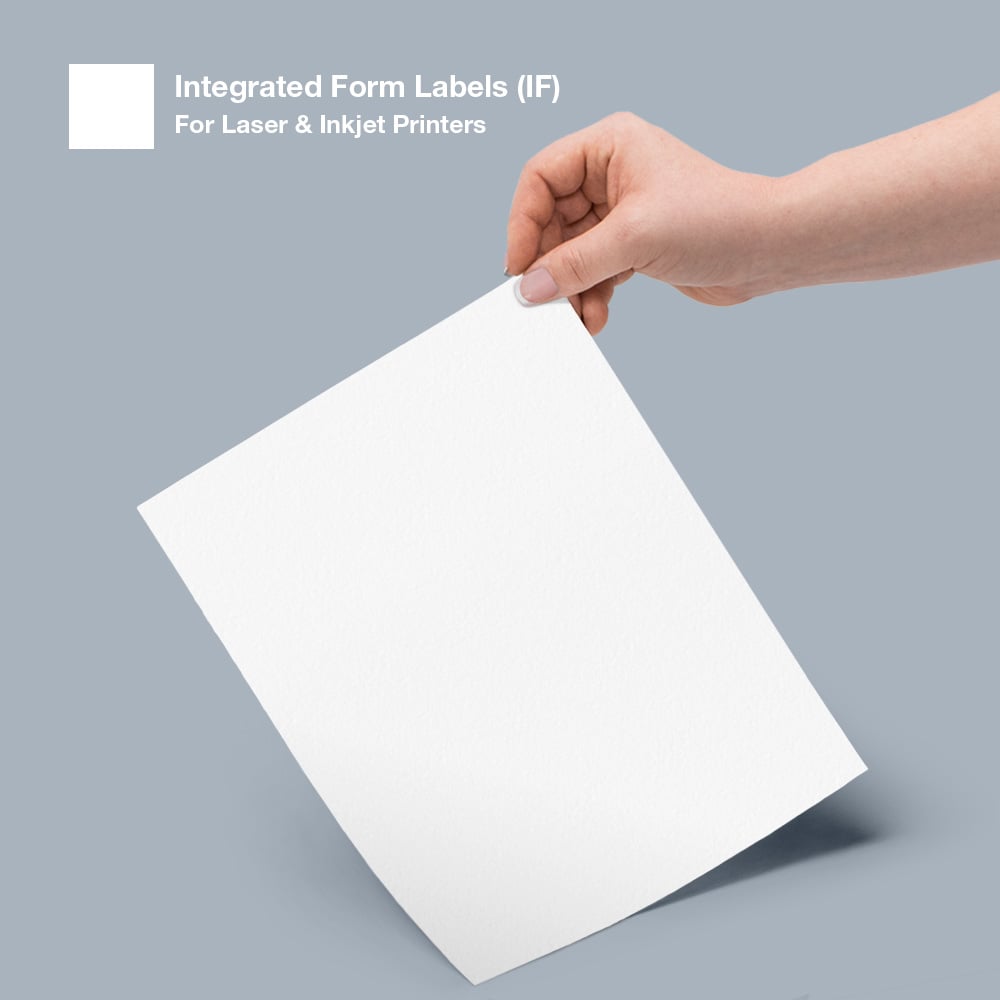
This part paper and part label combination is made from a heavyweight facestock, layflat liner and general purpose adhesive (on the labels only.) Our Integrated Form Label material has excellent results when printed with a laser or inkjet printer. Integrated form labels are popular for a variety of applications where information needs to be combined, such as shipping or packing slips.

Material Inkjet Laser Less
325
Sheets
650
Sheets
975
Sheets
1300
Sheets
2600
Sheets
5200
Sheets
10400
Sheets
20800
Sheets
20800+
Sheets
More
Integrated Form Labels Integrated Form Labels (IF) Inkjet Laser $36.95 $63.95 $82.94 $97.94 $180.91 $346.94 $673.92 $1,313.94 Call Us
Display size specs in: 


Sheet Size: 8.5" x 11" Labels Per Sheet: 2
Shape: Round Corner Rectangle Corner Radius: 0.125"
Length: 3.5" Height: 2.75"
Top Margin: 7.75" Bottom Margin: 0.5"
Left Margin: 0.5" Right Margin: 0.5"
Horizontal Spacing: 0.5" Vertical Spacing: 0"
Horizontal Pitch: 4" Vertical Pitch: 2.75"

OL826 is commonly used for:

Integrated Label Form

  • Launch this template in Maestro Label Designer Maestro Label Designer®

    Free for customers, Maestro Label Designer is 100% compatible with all Online Labels products. With no installation necessary, we've made designing professional-looking labels easier than ever.

  • PDF Template

    Viewable using Adobe Acrobat Reader. Template can be used in graphic programs such as Adobe Illustrator, Quark Express, and several others. If you plan to print out the template you need to uncheck "fit to page" in the print options or the image will be smaller than actual size. For customer reviews of Adobe Illustrator please click here.

Switch to Mobile Version